
Abandoned Carts Before Black Friday: How to Bring Shoppers Back With SMS, Viber, and Chatbots
Contents:
Contents:
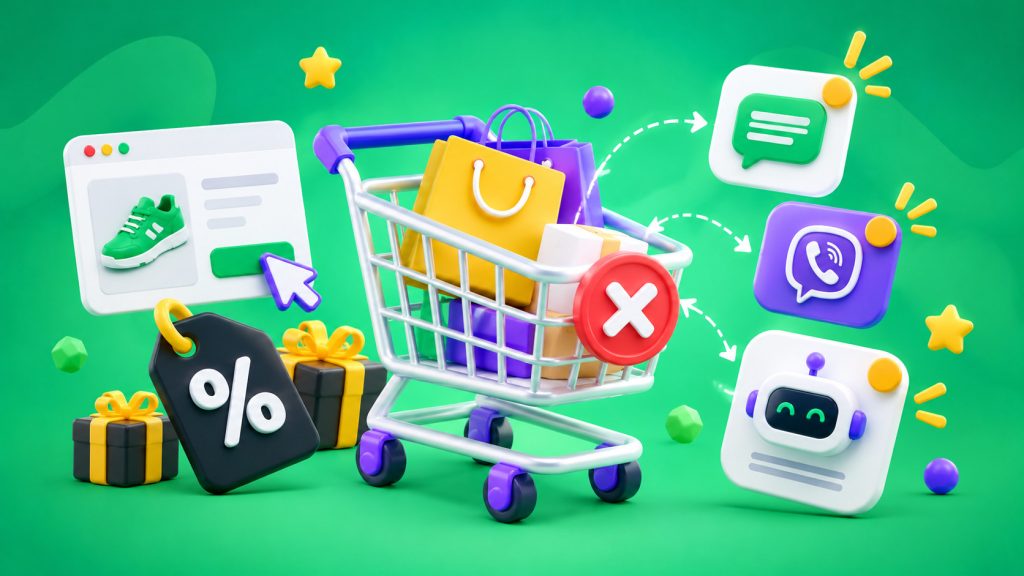
A shopper selected several products, added them to their cart, proceeded to checkout — and disappeared. They may be comparing prices, waiting for a better offer, or simply putting off the purchase. For an online store, this is an incomplete order, but not necessarily a lost sale.
These situations become especially common before Black Friday. In 2026, Black Friday falls on November 27, and competition for shoppers’ attention begins long before that date.
To bring shoppers back, sending everyone the same promo code isn’t enough. It’s better to set up an automated workflow that reminds them about the items in their cart, helps them complete the order, and provides additional information when needed.
Why Shoppers Abandon Their Carts
Not every abandoned cart means a shopper has changed their mind. There are different reasons: high shipping costs, an inconvenient checkout form, an unavailable payment method, or a desire to compare offers again.
Before launching a messaging campaign, it’s worth checking which stage shoppers most often leave. If the problem is shipping, a discount message won’t solve it. If a customer simply got distracted, a short reminder with a link to their cart is often enough.
Before Black Friday, it’s also important to check product availability, current prices, and the checkout process. There’s no point in promoting a good offer if the product is already out of stock or the price on the page doesn’t match the price in the message.
When to Send the First Message
You shouldn’t wait several days before reminding shoppers about an incomplete order. At the same time, there’s no need to send an SMS immediately after they leave the page: the shopper may still be browsing products or completing the order in another tab.
You can use the following sequence as a starting point for testing:
- After 30–60 minutes — a reminder about the items left in the cart.
- After 12–24 hours — a follow-up message if the purchase hasn’t been completed.
- After 24–48 hours — an additional offer for specific segments, if justified.
This isn’t a universal schedule. Shoppers need more time to choose expensive products, while decisions about products with a short purchase cycle are often made faster. Before Black Friday, it’s worth testing these intervals using your own data.
SMS: A Short Reminder With a Direct Link
SMS works well for messages where it’s important to quickly bring shoppers back to an incomplete order. There’s no need to overload the text with product descriptions and promotional arguments. It’s enough to remind shoppers about their cart and provide a link that takes them directly to it.
For example: “You left items in your cart. Review your order and complete your purchase: [link].”
Before Black Friday, you can add information about a current promotion if it actually applies to the items in the cart.
It’s important that the link opens the saved cart, not the store’s homepage. If shoppers have to search for the products again, some of the benefits of an automated reminder will be lost.
Viber: When You Need to Show Products
Viber is useful when shoppers need to see the offer again. A message can include a product image, a short description, a button linking to the cart, and information about a promotion.
For example, a clothing store reminds a shopper about the jacket and accessories they previously selected, and the button leads to the saved order.
With SMS Club, businesses can set up Viber messaging with visual content and a clickable button. For automation, it’s important to connect message sending to an event in the online store rather than sending messages manually.
If a Viber message isn’t delivered, it’s worth setting up a backup SMS for the appropriate workflows. The system should check delivery status to prevent shoppers from receiving identical messages multiple times.
Chatbots: Helping Shoppers Complete Their Purchases
A reminder brings shoppers back to the store, but it doesn’t always answer the question that caused them to postpone their order. This is where a chatbot can help.
For example, after a shopper clicks through from a message, the bot offers to clarify shipping terms, explain available payment methods, or connect them with a manager. If the shopper is ready to proceed, the bot directs them to checkout.
There’s no need to turn this workflow into a long questionnaire. The bot’s job is to remove an obstacle, not create a new one. If a question goes beyond automated responses, the conversation should be transferred to a manager.
SMS Club supports SMS Club chatbots and CRM integrations, helping businesses connect a shopper’s inquiry with their order. SMS Club chatbot capabilities.
Should You Offer a Discount?
Not necessarily. If every reminder includes a promo code, shoppers quickly get used to waiting for lower prices. This increases the cost of generating sales and reduces the profit from each order.
Start by reminding shoppers about the products. If they don’t return, check whether there’s a reason to provide an additional offer. This could be free shipping above a certain order amount, a product bundle, or a special price for a specific category.
Before Black Friday, it’s especially important not to promise discounts that don’t exist or create artificial scarcity. If an offer is time-limited, state its actual expiration date.
How to Connect Messages With Your CRM
Automation works correctly when an online store sends the system the necessary data: cart ID, order contents, shopper contact information, total amount, and checkout status.
After the first reminder, the system checks whether the purchase was completed. If the order has been placed, subsequent messages stop. If the cart remains incomplete, the next step of the workflow begins.
A CRM helps store communication history and identify which message came before a purchase. To transfer data between systems, you can use SMS Club integrations or an API.
Separately, check consent for marketing messages, unsubscribe rules, and whether the workflow complies with personal data requirements. Having a phone number in an order doesn’t automatically mean the shopper has agreed to receive any type of promotional communication.
How to Measure Results Before Black Friday
The number of SMS messages sent or link clicks doesn’t show how many additional sales automation generated.
Track the abandoned cart recovery rate, number of completed orders, revenue after messages, and communication costs. Compare different sending intervals, channels, and message texts.
It’s also important to account for cancellations and returns. An order placed after a reminder doesn’t always mean a completed sale.
Start with a simple workflow: one reminder, a cart status check, and stopping communication after a purchase. Once you’ve collected enough data, add Viber, a chatbot, and personalized offers.
Frequently Asked Questions
When should you send an abandoned cart SMS?
For an initial test, try sending it 30–60 minutes after a shopper leaves the website. Send the next message only if the purchase hasn’t been completed. The exact timing depends on the product, how long shoppers take to decide, and audience behavior.
Which is better for recovering shoppers: SMS or Viber?
SMS is suitable for a short reminder with a direct link. Viber is useful when you need to show a product, explain an offer, or add a button. The choice depends on the audience, channel availability, and communication costs.
Should you offer a discount in every message?
No. First, remind shoppers about the products and make it easier to return to checkout. Use an additional offer when it helps complete the purchase without unnecessarily reducing order profitability.
How can you avoid sending reminders after a purchase?
After each message is sent, check the current cart or order status. If the shopper has completed checkout, the system should automatically stop subsequent messages. This prevents unnecessary communication and maintains trust in the store.