
From the First Message to a Qualified Lead: What a Chatbot Does Before a Manager Steps In
Contents:
Contents:
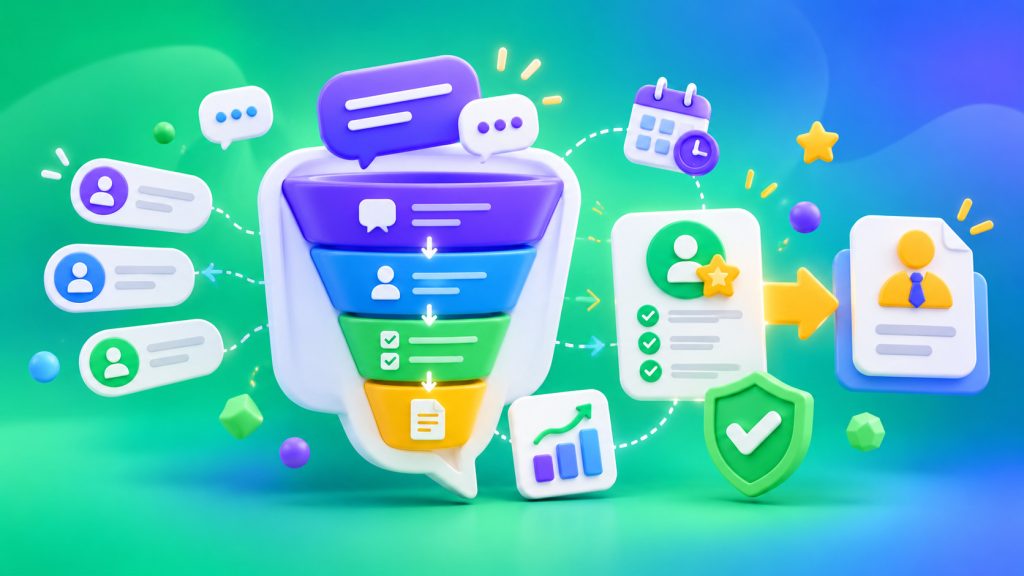
A customer writes: “Hello, how much does the service cost?” The manager is busy, but the inquiry already needs attention. If the bot only greets the customer and displays a menu, it hasn’t actually done much. It’s more useful when the bot clarifies the customer’s needs, collects the necessary information, and passes a lead to an employee who can start working on it immediately.
The chatbot’s job isn’t to replace a manager in every conversation, but to eliminate repetitive steps before the manager gets involved. The workflow should focus on a specific outcome: an appointment, a quote, product selection, or a consultation. Businesses can use business chatbots for these tasks.
1. Understand the Customer’s Request
First, the bot identifies the purpose of the inquiry: the customer wants to know the price, check an order, book an appointment, or speak with a manager.
Don’t make customers go through a long menu. Offer a few main options and allow them to type their own questions. If the bot doesn’t understand the request after one or two attempts, transfer the conversation to an employee instead of repeating the same questions.
2. Answer Common Questions
Before submitting an inquiry, customers often ask about business hours, shipping, available services, or payment. If the answers are prepared and up to date, the bot can provide them without making the customer wait for a manager.
Prices, availability, and timelines should come from a verified database or approved content. If the information isn’t available, the bot shouldn’t make up an answer or promise unconfirmed terms. It should record the question and pass it along.
3. Collect the Necessary Information
For an appointment, you need the service, preferred date, and contact information. For a quote, you need the type of work and order details. For an online store, you need the product, quantity, and delivery city.
Ask only for information that’s necessary to move to the next step. A long questionnaire before the first useful answer can discourage customers. Before handing off the inquiry, check the required fields, phone number format, and possible duplicate records. Collect only the data needed to process the request.
4. Create a Lead in the CRM
Information shouldn’t remain only in the chat. After collecting the details, the bot creates a lead or updates a record in the CRM. Save the customer’s contact information, the purpose of the inquiry, the selected product or service, the preferred contact time, and the source of the inquiry.
Add a short conversation summary. The manager won’t have to reread the entire chat or ask the customer again what they need. The integration should transfer the data automatically, without manual copying. You can use SMS Club integrations for this.
5. Assign the Right Person
The lead should go to the appropriate employee or queue. Appointment requests go to the receptionist, payment questions to the person responsible for orders, and complex consultations to a specialist.
After creating the lead, the bot tells the customer that their request has been received and explains the next step. Don’t promise an exact response time if the company can’t control it. If managers are already off duty, let the customer know when requests will be processed again.
When the Bot Should Transfer the Conversation
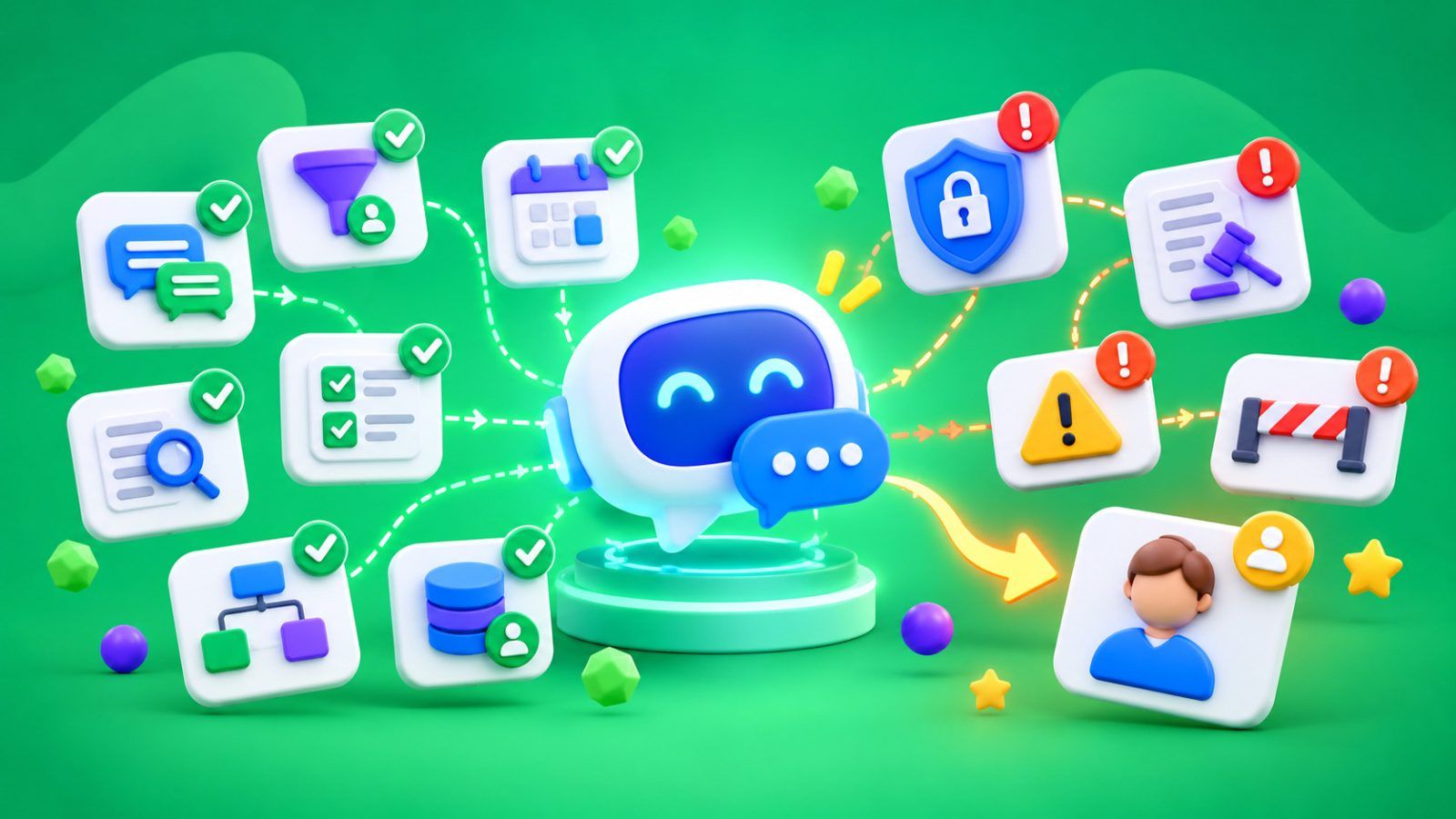
Complaints, disputed payments, unusual terms, conflicting information, and a direct request to speak with a manager are reasons to hand off the conversation. The bot should stop responding, while the employee should receive the conversation context, collected information, and reason for the inquiry. Otherwise, the customer may receive overlapping responses or have to explain everything again.
How to Measure Results
Don’t count messages alone. Measure completed actions: how many conversations became leads, how many contain all required fields, and how many resulted in an appointment or sale.
If many conversations end while the bot is collecting contact details, shorten the form. If managers keep asking for the same information again, change the questions or how the information is transferred.
A chatbot is useful when the customer has already received a basic answer, explained their needs, and provided information for the next step. The manager starts with a prepared lead instead of an empty conversation.
For this workflow, the bot should be connected to the CRM so conversation data automatically appears in the lead record. An example of how to build this process is covered in the article CRM, SMS and chatbot automation.
Frequently Asked Questions
What information should a chatbot collect before handing a lead to a manager?
Only what’s needed for the specific request: contact information, the type of product or service, and important details. For an appointment, this means the date and time; for a quote, the order specifications. It’s better to leave out optional fields.
Should a chatbot answer every customer question on its own?
No. It should answer common questions using verified information and transfer complex, disputed, or unclear requests to an employee. It’s better to explain that clarification is needed than to make up an answer.
Why integrate a chatbot with a CRM?
The integration transfers conversation data to the lead record, saves the inquiry source, and assigns the responsible employee. Managers don’t have to copy messages manually or collect the same information again.
How can you tell whether a chatbot is reducing the workload?
Compare lead processing time, the number of repeated questions, how complete the CRM records are, and the percentage of conversations that result in an appointment or sale. If managers still have to collect information again, the workflow needs to be adjusted.