
7 Repetitive Customer Questions Businesses No Longer Need to Answer Manually

Contents:
Contents:
“How much does it cost?”, “When will my order arrive?”, “Is it available in another color?”… Managers answer dozens of similar questions every day. Each one takes just a few minutes, but together they take time away from consultations, complex orders, and working with potential customers.
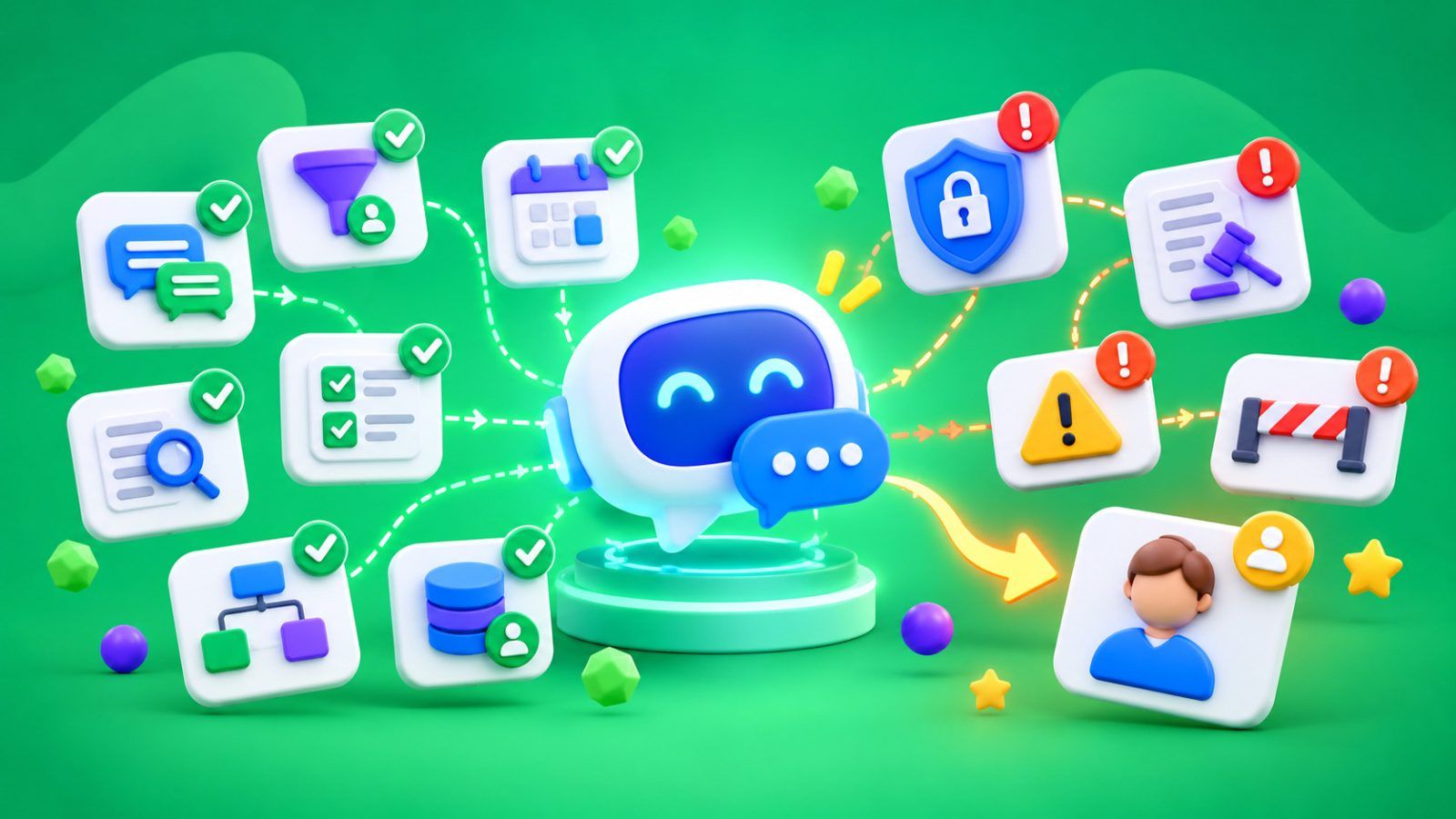
Some of these inquiries are worth automating. A chatbot answers common questions, checks information in connected systems, collects details for a lead, and passes more complex requests to an employee. Businesses can use business chatbots for this. The key is not to automate everything at once, but to start with questions that have clear answers.
1. “How Much Does It Cost?”
Online stores, salons, clinics, and service businesses regularly receive questions about pricing. If the price of a service is fixed, a chatbot can provide it immediately and explain what’s included.
For more complex services, the workflow can be different. The bot asks about the type of service needed, the scope of work, and other details. It then provides an initial estimate based on approved rules or creates a consultation request.
It’s important to keep prices up to date. If the cost depends on individual circumstances, the bot shouldn’t provide a final amount without verification.
2. “Is This Product in Stock?”
A shopper has found the product they want but needs to check the size, color, or quantity available before ordering. A manager spends time looking up this information even though the answer is already in the inventory system.
If a chatbot is connected to the product catalog or inventory management system, it checks available options and shows current information. If needed, it suggests an alternative product or helps the customer proceed to checkout.
If inventory data is updated with a delay, the bot should explain that availability needs to be confirmed. It shouldn’t promise that a product is in stock based on outdated information.
3. “When Will My Order Arrive?”
Questions about delivery times are especially common after an order has been placed. The shopper wants to know when to expect the package, while the manager has to find the tracking number and check the status.
Automation helps with both tasks. The bot explains standard delivery times and, after verifying the order details, checks the current status through an integration with the order management system or delivery provider.
If a package is delayed, lost, or its status doesn’t match the actual situation, the inquiry should be transferred to a manager. A standard response won’t solve a problem with a specific shipment.
4. “Where Are You Located, and What Are Your Business Hours?”
Addresses, business hours, contact methods, and service policies are details customers regularly look for before visiting or placing an order.
A chatbot can provide this information at any time, including evenings and weekends. For businesses with several locations, it can also ask for the city or neighborhood and show the contact details for the appropriate branch.
The information needs to be updated whenever business hours, addresses, or operating policies change. Otherwise, automation can quickly become a source of errors.
5. “Did My Payment Go Through?”
A shopper has made a payment but hasn’t received confirmation. They contact support, and a manager checks the order, opens the payment system, and finds out whether the funds were received.
If the bot has access to the current order or payment status, it can report the result of the check. This helps the customer get an answer faster while saving employees time on routine requests.
However, the bot shouldn’t confirm a payment based only on what the customer says. If the status is unclear, the customer was charged twice, or there’s conflicting information, a specialist needs to investigate.
6. “How Can I Book or Reschedule an Appointment?”
Clinics, salons, and service businesses regularly receive requests to book an appointment, change the appointment time, or cancel a reservation.
A chatbot collects the necessary information, shows available time slots from the current schedule, and helps confirm the appointment. With the appropriate settings, it can also accept rescheduling requests and update the information in the system.
This reduces the number of calls and messages handled by reception staff. However, the bot must check time slot availability before confirming an appointment so that two customers aren’t booked for the same slot.
7. “How Can I Return a Product or Cancel an Order?”
Return policies, deadlines, required documents, and exchange procedures often lead to the same questions. A chatbot can explain approved rules, suggest the next steps, and collect information for a request.
If a customer wants to return a product, the bot asks for the order number and reason for the request. It then passes the information to the responsible employee or starts the established procedure.
Automation shouldn’t independently reject unusual requests, resolve disputes, or promise refunds before verification. These decisions require oversight.
Before choosing automation workflows, it’s also helpful to compare chatbots for messengers and determine which channel works best for your customers’ inquiries.
How to Decide What to Automate
Start by reviewing the history of inquiries in your CRM, messaging apps, and customer support system. Identify the most frequently repeated questions and calculate how much time your team spends answering them.
For the first stage, choose requests with predictable answers and a low risk of error. Prepare up-to-date information, configure the workflow, and test it using both common and unusual situations.
It’s equally important to define rules for transferring conversations to a manager. Complaints, disputed payments, exceptions to policies, and questions the system can’t answer reliably shouldn’t be left without employee attention.
Chatbots can be connected to a CRM to retrieve current information about leads and orders, store inquiry history, and transfer results automatically. SMS Club integrations can be used for this. Decide in advance which systems exchange information and who is responsible for keeping it up to date.
Evaluate the Results of Automation
The number of automated responses alone doesn’t show effectiveness. Track how many questions the bot resolves without a manager, how waiting times change, and whether the number of repeat inquiries decreases.
Also check whether complaints and errors have increased. If customers frequently ask to speak with an employee or repeat their questions after receiving the bot’s answer, the workflow needs improvement.
You don’t have to start with all seven categories at once. Automate a few of the most common inquiries, evaluate the results, and gradually expand the workflows. This helps your team gain practical benefits without a complicated overhaul of the entire process.
Frequently Asked Questions
Which customer inquiries should you automate first?
Start with questions about prices, business hours, delivery, and product availability. These usually have clear answers that are easy to verify. Choose what to automate based on the number of inquiries and how much time managers spend handling them.
Does a small business need a chatbot?
Not always. If you receive only a few inquiries, prepared responses may be enough. When managers repeat the same tasks every day, a chatbot can reduce manual work and help process requests faster.
Can a chatbot completely replace a manager?
No. It’s effective for routine workflows where answers are based on verified information. Complaints, unusual orders, disputed payments, and individual agreements require employee involvement.
How can you tell whether automation is working?
Compare response times, the percentage of inquiries resolved without a manager, the number of errors, and customer satisfaction before and after launch. If automation is genuinely helping, the team spends less time on repetitive questions without reducing service quality.