
Viber Click to Chat: How to Bring Customers From Your Website or Social Media Directly Into a Business Conversation
Contents:
Contents:
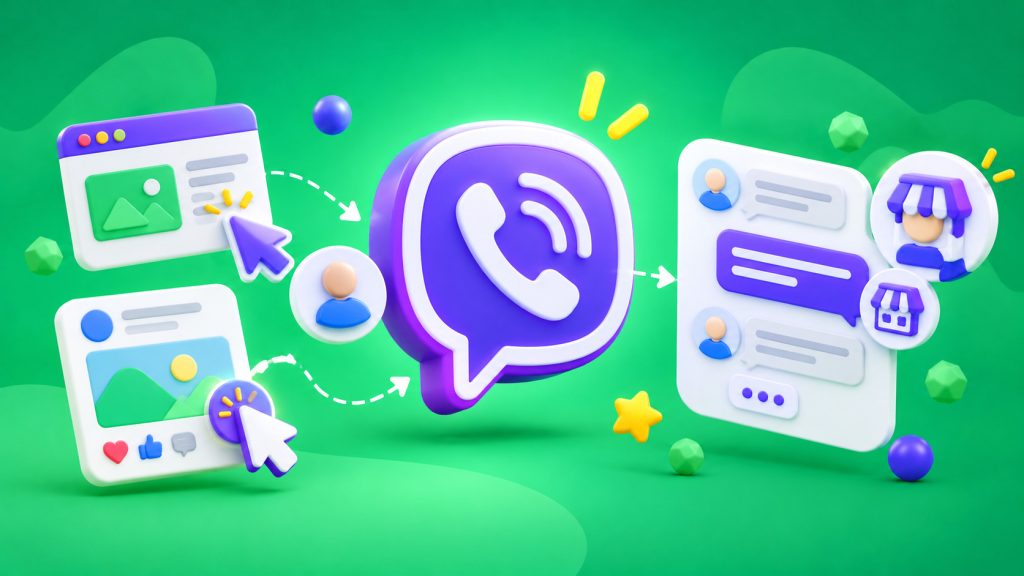
A customer is browsing a website, has a question about a product, and looks for a way to contact the company. If contact information is hidden in the footer or the customer has to manually save a phone number, some potential inquiries will never happen. Viber Click to Chat shortens this process: the customer clicks a link or button and goes directly to a chat with the company on Viber.
This option is convenient for online stores, service businesses, clinics, and salons, where customers often need to clarify details before making a purchase or booking an appointment. Customers don’t have to look for a phone number or add it to their contacts. However, opening a chat doesn’t mean a message has been sent: the customer must write it themselves or confirm the prepared text.
What Is Viber Click to Chat?
It’s a special link that opens a conversation with a Viber business account. It can be placed on a website, in a social media profile, promotional post, email, or on printed materials as a QR code.
The feature is available for registered Viber business accounts. A link for a regular personal profile won’t work the same way. According to Viber’s business instructions, a ready-to-use link and QR code are available in the business account settings.
Where to Place the Link
The most effective placements are where customers are already interested in an offer and need advice. On a website, this could be a button next to a service description, on a product page, on a shipping information page, or in the contact section. Don’t hide it among secondary links if communication genuinely helps customers make a decision.
On social media, the link can be added to the profile bio, a pinned post, or a post featuring an offer. At a physical location, a QR code can be placed at the reception desk, on packaging, menus, or flyers. Explain nearby what customers will receive after clicking: a consultation, help choosing a product, or an answer about their order.
How to Create a Link and Prepare the Message
The easiest way is to copy the ready-made link from your Viber business account settings. If you create it manually, check the phone number format: you need an international number without the “+” sign, spaces, parentheses, or hyphens. Before publishing, open the link on a phone and make sure it leads to the correct account.
You can also add a prewritten message to the link. For example, a customer clicks the “Check Availability” button and already sees the text “Hello! Could you please tell me if this product is in stock?” in the message field. This helps start a conversation, but the text isn’t sent automatically. The customer must click the send button.
Prepare the text for the specific place where the customer clicks the link. For a shipping page, a question about delivery times is appropriate; for appointments, a question about available times; and for a product, a question about availability or specifications. A general phrase like “I’d like to learn more” also works, but gives the manager less context.
What Should Happen After the Click
The link itself only opens the chat. To prevent inquiries from going unanswered, decide in advance who monitors incoming messages, when the team responds, and how inquiries outside business hours are handled.
If there are many repetitive questions, consider setting up automated replies or Viber chatbots. A chatbot can help clarify the subject of an inquiry, suggest the relevant section, and transfer the conversation to a manager. For complex questions, provide a clear way to reach a team member rather than forcing customers through a long menu.
If the company uses a CRM, record inquiries along with their traffic sources. You can use CRM integrations for this. This helps identify which pages and posts generate not just clicks, but actual inquiries and sales. SMS Club offers Viber business tools for messaging automation and working with Viber, including CRM integrations and API access.
How to Measure Results
Don’t evaluate Click to Chat based only on the number of clicks. It’s more important to know how many clicks led to a first message, how many conversations became leads, and which of them resulted in a sale or appointment.
If the link appears in several places, use separate URLs for the website, Instagram, and printed materials if your tracking system supports this. This makes it easier to understand where inquiries come from. Review performance regularly and move the button to places where customers are more likely to start a meaningful conversation.
Before launching, go through the entire process yourself: open the link on a mobile device, check the prepared text, send a test message, and make sure your team receives it. Also check the QR code and the pages where the button is placed. Even a small error in the URL can stop the entire process.
Click to Chat doesn’t replace consultations, a CRM, or a full-featured chatbot. Its purpose is simpler: to remove unnecessary steps between a customer’s interest and their first message. If customers receive a quick response after clicking, the link becomes a convenient way to turn a website or social media visit into a meaningful conversation.
Frequently Asked Questions
Do you need a separate Viber business account?
Yes. Click to Chat links and QR codes are intended for registered business accounts. Before publishing, get the link from your account settings and test it on a phone to make sure customers reach the company.
Is a message sent automatically after clicking?
No. The link opens the chat, and the prewritten text only appears in the message field. Customers decide whether to send it. This allows them to start a conversation without an automatic message being sent on their behalf.
Where is the best place to put a Viber button?
Add it to pages where customers often need clarification: product pages, service pages, contact information, and shipping details. On social media, use your profile or posts with a clear invitation to send a message. Explain exactly what your team can help with.
How can you tell if the link generates leads?
Track not only clicks but also first messages, inquiries, appointments, and sales. If you use multiple entry points, separate links by source. This will show which placements bring in customers who are ready to start a conversation.