
Customer Communication During Power and Internet Outages: Why Businesses Need a Backup SMS Channel
Contents:
Contents:
When the power goes out, the usual way of communicating with customers often disappears with it. Messaging apps take a long time to send messages, websites fail to load, and app notifications remain unread. At that moment, it’s important for a business not just to stay online, but to have a backup way to communicate changes, confirm orders, or warn customers about delays.
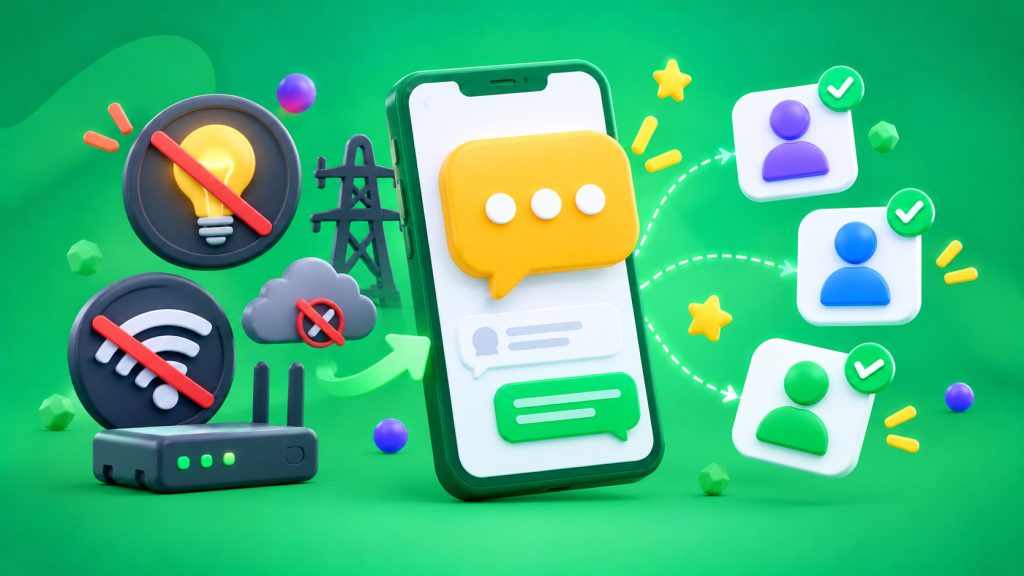
That’s exactly why it’s worth having SMS as a backup channel. Customers don’t need mobile internet to receive a text message. However, their phones must be turned on, and the mobile operator’s network must be available. If cell towers lose power or become overloaded, SMS messages can also be delayed or fail to arrive. So a backup channel doesn’t guarantee communication under all conditions, but it provides an additional way to reach customers when internet service is unstable.
Why Messaging Apps Aren’t Always Enough
Viber, Telegram, push notifications, and in-app messages depend on internet access. If home Wi-Fi isn’t working and the mobile network is overloaded, customers may not see messages on time.
During outages, thousands of subscribers switch from Wi-Fi to mobile internet at the same time. This increases the load on cell towers and slows down data transmission. Ukraine’s Ministry of Digital Transformation explains that voice calls and SMS are basic communication services, while mobile internet performs worse during peak network loads.
SMS doesn’t replace every channel. It’s intended for short messages that need to reach customers without requiring them to open an app: order confirmations, schedule changes, delivery updates, or urgent alerts.
Which Messages Should Be Sent via SMS
A backup channel is especially useful in situations where delays cause inconvenience for customers.
For example, a store will open later because of a power outage. Customers need to know before traveling to the location. A courier is running late — a short SMS can notify customers of the new delivery time. A service is temporarily unavailable — a message can explain what’s happening and when service is expected to resume.
These scenarios include:
- order or appointment confirmations;
- changes to delivery or appointment times;
- notifications about temporary store or pickup location closures;
- alerts about service disruptions;
- important reminders about payments or booking completion.
It’s better to set up these messages in advance rather than send them manually every time a problem occurs.
Don’t Duplicate Every Message
Having a backup channel doesn’t mean every message needs to be sent through both a messaging app and SMS at the same time. This increases costs and creates duplicate messages that annoy customers.
It’s better to set priorities. Promotional offers and regular updates stay in the primary channel. SMS is used for important transactional messages or in scenarios where the primary channel hasn’t confirmed delivery within a set period.
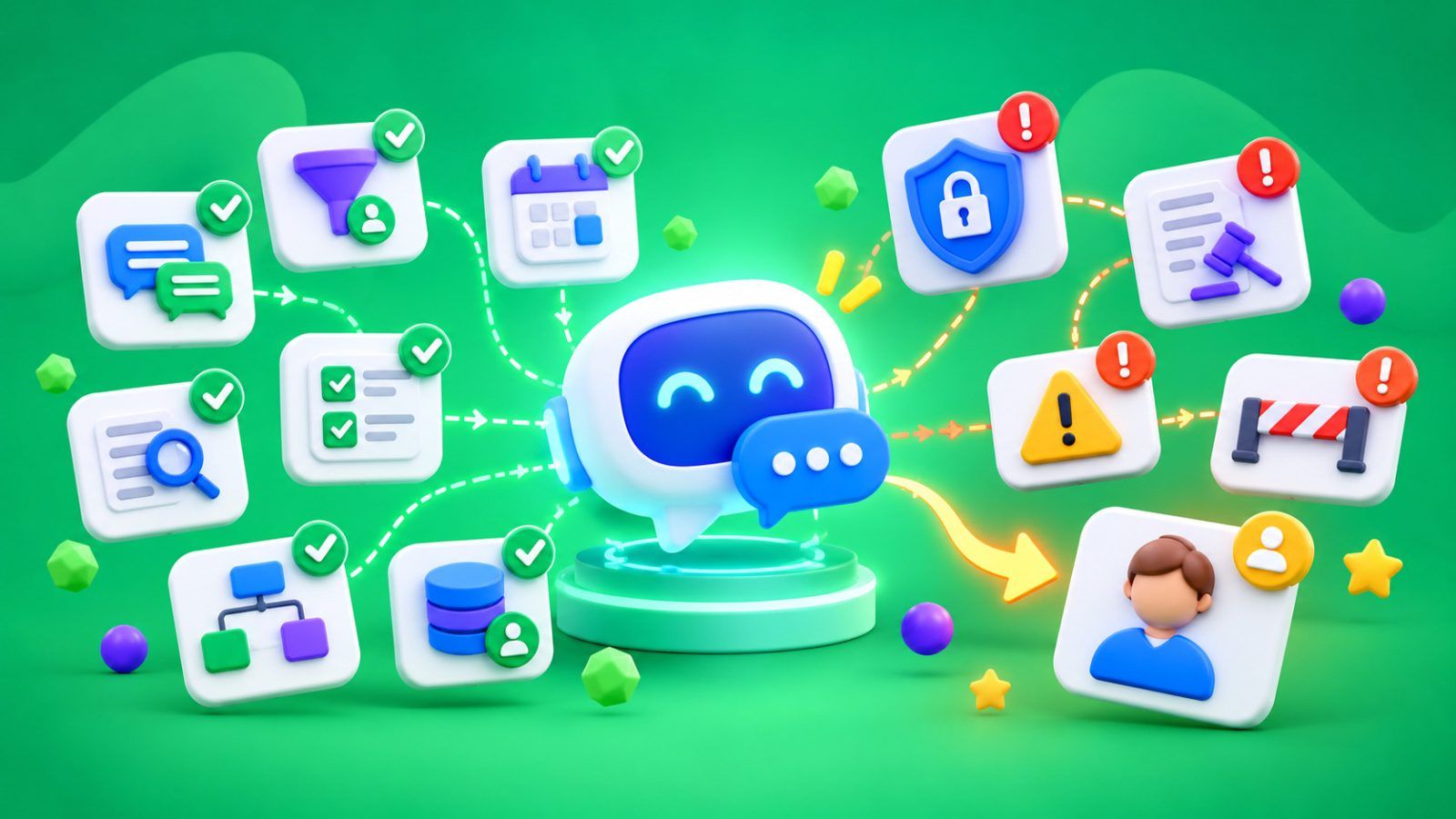
This approach is called SMS fallback — automatically switching to SMS as a backup. The system first sends a message through the primary channel. If it doesn’t receive delivery confirmation within a specified period, it sends an SMS. For these scenarios, businesses can use Viber+SMS messaging.
It’s important to rely on delivery status, not just whether a message was sent. If the message has already been delivered, there’s no need to send the same content again.
How to Set Up a Backup Messaging Workflow
Start by listing the messages customers need to receive on time. For each one, define the primary channel, waiting period, and condition that triggers the switch to SMS.
For example, an order confirmation is first sent through Viber. If the system doesn’t receive a delivery status within the specified period, a short SMS is sent to the customer. If the message has been delivered, there’s no need to duplicate it.
To make this work, the platform needs to automatically send message statuses to a CRM or another automation system. Businesses can use ready-made SMS Club integrations to connect their systems. The SMS Club API supports programmatic SMS sending and status checks, including successful delivery, queued messages, and sending errors.
After setup, test the workflow with sample messages. Make sure backup sending is triggered under the correct condition and that customers don’t receive two identical notifications.
Prepare Your Message Text in Advance
During outages, there’s no point in sending long explanations. A message only needs to explain what has changed, how it affects the customer, and what to do next.
For example: “Our store will open at 12:00 PM today due to power outages. Orders can be picked up after that time.” Or: “Your order delivery has been rescheduled to 4:00 PM. If this time doesn’t work for you, please contact our manager.”
Make sure your templates include up-to-date contact information and don’t depend on a link that customers would need internet access to open. If a link is necessary, include the key information in the SMS itself as well.
Keep Mobile Network Limitations in Mind
SMS isn’t an independent channel that works without any infrastructure. Cell towers need power, and during extended outages, connectivity depends on backup batteries, generators, and network load.
That’s why important messages shouldn’t be left until the last minute. If you know about a schedule change, send the notification in advance. Before launching a messaging campaign, check that customer phone numbers are up to date and delivery settings are correct.
How to Know if Your Backup Channel Is Working
Don’t evaluate only the number of SMS messages sent. Check the percentage of messages delivered, how often the system switches to the backup channel, delivery delays, and customer inquiries after notifications.
If SMS is frequently triggered as a backup, find out why: problems with the primary channel, incorrect contact information, or a waiting period that’s too short. If customers regularly call to clarify a message, make the text more specific.
A backup SMS channel shouldn’t replace all customer communication. Its purpose is to maintain important contact when familiar digital tools are working unreliably. When the workflow is set up in advance, a business can communicate changes faster, and customers understand what’s happening and what to do next.
Frequently Asked Questions
Does SMS work without mobile internet?
Yes, mobile internet isn’t required to receive SMS messages. However, the phone must be turned on and within the coverage area of an available mobile network. During extended outages or network congestion, delivery may also be delayed.
When should you send an SMS instead of a message through a messaging app?
When the information is important and shouldn’t get lost among other messages: order confirmations, delivery time changes, appointment cancellations, or alerts about service disruptions. Backup SMS is usually unnecessary for promotional updates.
What is SMS fallback?
It’s a workflow in which SMS serves as a backup channel. The system first sends a message through the primary channel. If it doesn’t receive delivery confirmation within a specified period, it sends an SMS. This helps avoid unnecessary duplicate messages.
Does SMS guarantee connectivity during a blackout?
No. SMS doesn’t require internet access on the phone, but it depends on the mobile network and the device’s battery charge. Backup power for cell towers helps maintain connectivity, but extended outages and network congestion affect delivery.