
Lead Processing Automation: Why Customers Leave Before a Manager Even Opens the CRM
Contents:
Contents:
A person submits a form on a website and waits for a response. For the company, this is when the process is just getting started: the lead needs to enter the CRM, the system or a manager needs to assign a responsible person, and the sales manager needs to see the new record and contact the customer.
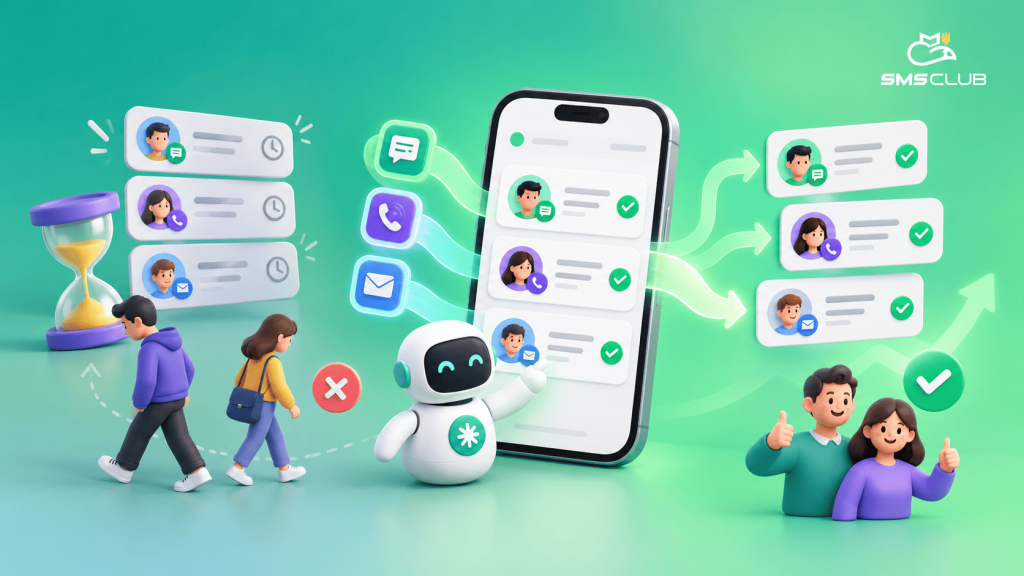
The problem is that the customer does not know anything about these internal steps. They simply experience silence. During that time, they may easily submit the same request to two or three other companies.
Speed really matters here. It is best to contact new leads within the first five minutes and use automated notifications and lead distribution among managers so this time is not lost.
Where Time Gets Lost After a Lead Comes In
Imagine a common situation. A person fills out a form at 12:03. The lead enters the CRM, but the manager is speaking with another customer at that moment. At 12:20, the manager finishes the call, checks email, replies to a colleague, and only opens the CRM at 12:35.
More than half an hour has passed. At the same time, no one has done anything wrong — the process simply depends on when a person notices the new lead.
Automation helps avoid exactly these kinds of pauses. The CRM can immediately assign a responsible manager, create a task, and send a notification. Similar workflows are used for automatic lead distribution, reminders, and the manager’s next steps.
The Customer Can Also Get an Immediate Response
Automation is not only useful for the manager. While the manager is preparing for a call, the customer can already receive a short message, for example: “Thank you, we received your request. A manager will contact you shortly.”
This does not replace a real conversation, but the person at least understands that the form worked, their request was not lost, and a response is coming.
SMS Club allows businesses to set up triggered messages that are sent automatically after a specific action on the website or in the lead card. SMS and Viber can also be connected to a CRM through an API or ready-made integrations.
What Automated Processing Looks Like
The simplest workflow can be built like this:
- The customer submits a request.
- It automatically enters the CRM.
- The system assigns a manager.
- The manager receives a notification.
- The customer receives an SMS or Viber message.
- The manager contacts the customer.
There is an important point here: automation should not try to complete the entire sale without a person. Its job is to remove pauses and manual actions where they are not needed.
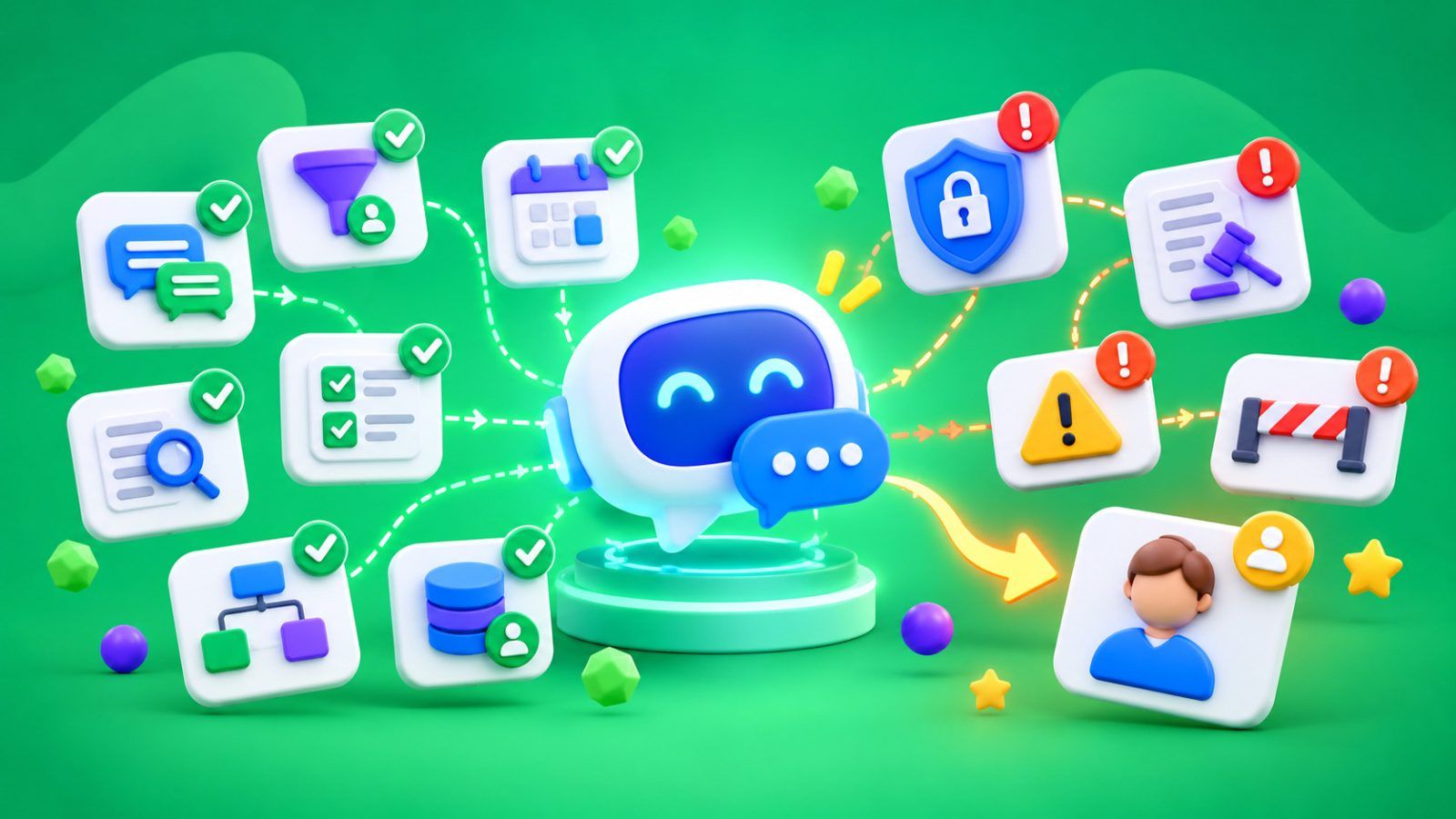
For example, if a customer writes in the evening, a chatbot can immediately clarify the product, city, convenient call time, or other basic information. In SMS Club, a chatbot can be integrated with a CRM so that a new lead is automatically created in the system and the bot can receive the order status from there.
What Should Be Automated First
There is no need to rebuild the entire sales department. You can start with a few places where delays happen most often.
The first is automatic lead confirmation for the customer. The second is assigning a responsible manager. The third is a notification about a new request. After that, you can add reminders if no one has worked with the lead for a certain period of time.
Another useful workflow is automatically collecting initial information through a chatbot. In this case, the manager receives not just a phone number, but a clear request and can move straight to a meaningful conversation.
How to Understand Whether Automation Is Working
After launch, it is worth looking not only at the number of SMS or Viber messages sent.
The main metric is how much time passes between receiving the lead and the manager’s first response. You can also track how many requests were left unanswered, how many were processed within the target time, and what share of leads turned into sales after contact.
This way, automation can be evaluated not by the idea that “we connected another service,” but by a concrete result: whether customers started receiving responses faster and whether fewer leads are simply sitting in the CRM.
How SMS Club Can Help
With SMS Club, businesses can automate SMS and Viber messages and connect them to a CRM or another system through a ready-made integration or API. The service also supports triggered campaigns, where a message is sent after a specific customer action or a change in the lead card.
If a simple message is not enough, part of the first contact can be handled by a chatbot: accepting the request, asking a few questions, and recording the collected data in the CRM.
The point of automation here is not to remove the manager. On the contrary, it helps make sure the manager joins the process exactly when they are needed, while the customer is not left waiting without any information.
FAQ
Can an automated message replace a manager’s response?
No. SMS, Viber, or a chatbot can immediately confirm that the request was received, clarify a few details, or share the expected response time. But if the customer needs a consultation or help choosing, a manager should join the conversation.
What should be automated if there are not many leads yet?
Start with the simplest things: an automatic confirmation for the customer and a notification for the responsible manager. Even with a small number of requests, this reduces the risk that a lead will go unnoticed because of workload or human error.
Is it necessary to change the CRM to implement automation?
Not always. SMS Club supports ready-made integrations with CRMs and other platforms, as well as API-based connections. So it is worth first checking the capabilities of the system the company already uses, and only then considering a replacement.
How do you measure lead processing speed?
Track the time when the lead was created and the time of the manager’s first real response. The difference between them will show the response speed. It is also useful to separately calculate the share of requests processed within the target time and the number of leads left unanswered.