
Omnichannel Communication Without Chaos: How to Connect SMS, Viber, Telegram, and CRM
Contents:
Contents:
A customer submits a form on the website, receives an SMS, asks a question in Viber, and then writes in Telegram the next day. For the customer, this is one conversation with the company. For a manager without a properly configured system, it is several separate channels and a fragmented history.
That is how chaos begins: messages get duplicated, the customer is asked the same questions again, and some inquiries get lost. An omnichannel approach brings communication together around one customer and one interaction history.
Channels Should Not Operate Separately
If SMS messages are sent by one system, Viber messages by another, the Telegram bot works on its own, and sales are managed in a CRM, the manager receives several separate sources of information.
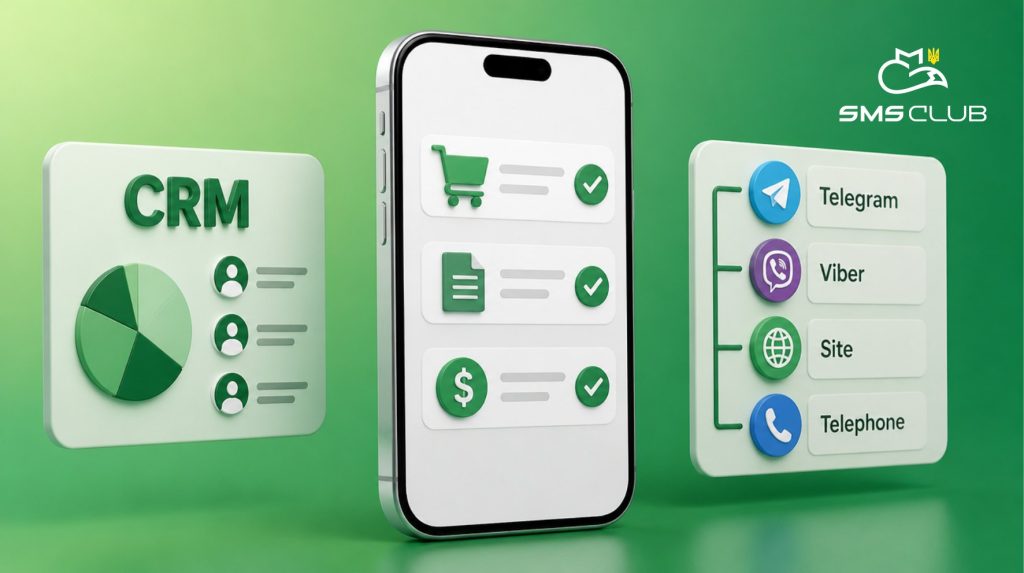
It is better to build the process around the CRM. This is where the contact, inquiry status, order, and activity history are stored. Channels connect to this process instead of existing in parallel.
SMS Club supports integrations with CRM, CMS, and e-commerce platforms, while SMS and Viber can be connected through API. Chatbots also exchange data with the CRM.
What Role Each Channel Should Have
Omnichannel communication does not mean sending the same message everywhere:
- SMS is convenient for short messages: confirmation codes, reminders, statuses, or urgent information.
- Viber capabilities are suitable for more detailed communication. Business Messages work with the customer database, while Viber Bot works with users who interact with the bot.
- Telegram is useful when the customer starts the conversation with the bot, uses a menu, or goes through a longer flow. Telegram Bot API is designed to build these message-based interfaces.
One Customer — One History
The main goal of integration is to identify the customer correctly and connect their actions to one profile.
For example, a customer leaves their phone number on the website, receives a Viber message, and then moves to a Telegram bot. If the system sees these as separate contacts, the manager will not get the full picture.
That is why it is important to define an identifier in advance: phone number, customer ID, or order number. The CRM should store a sequence of events, not a collection of separate chats.
What a Connected Flow Looks Like
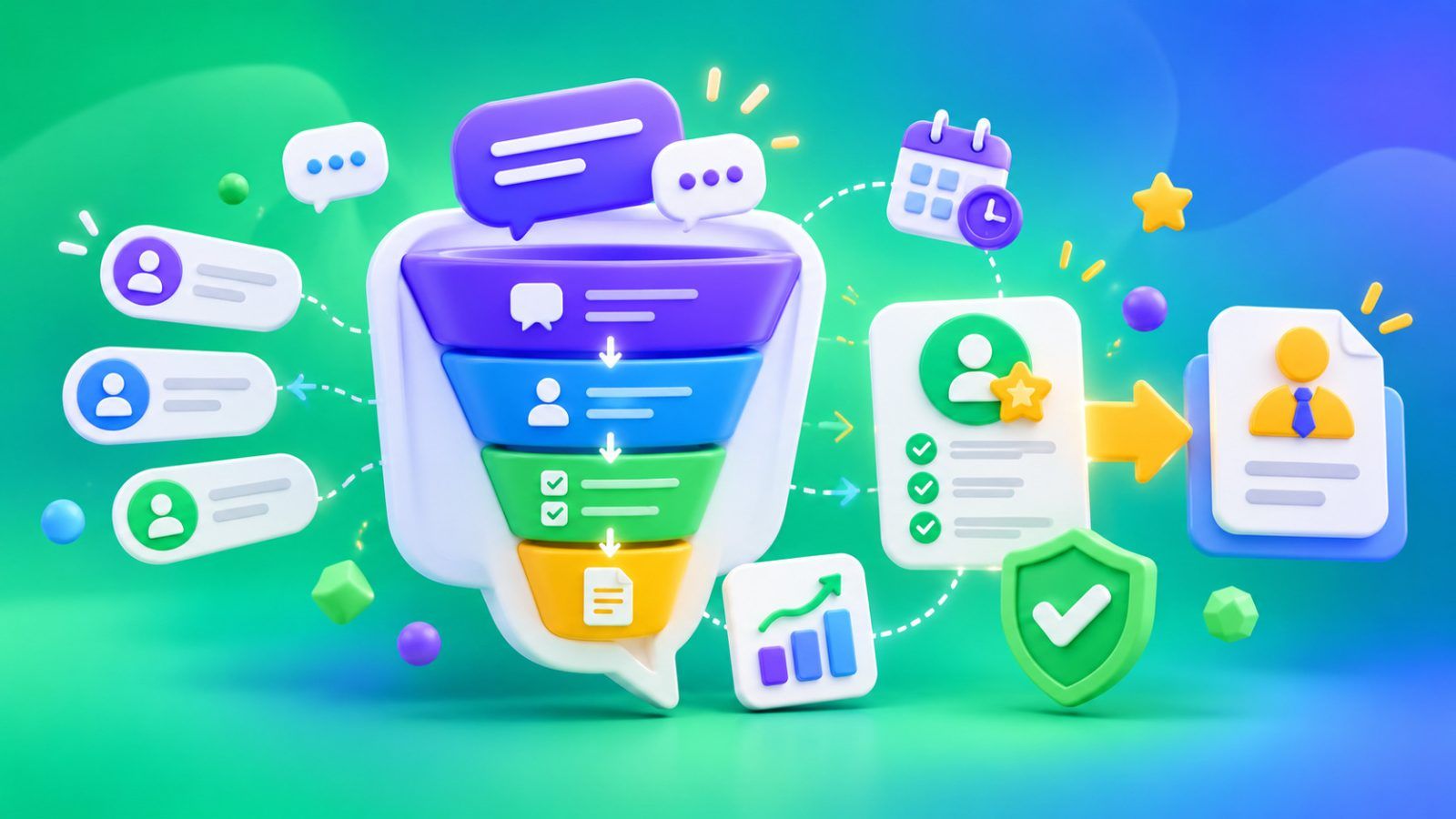
A customer places an order, then the CRM creates a profile and triggers a Viber message. If the flow includes a backup channel, an SMS is sent when a specific condition is met.
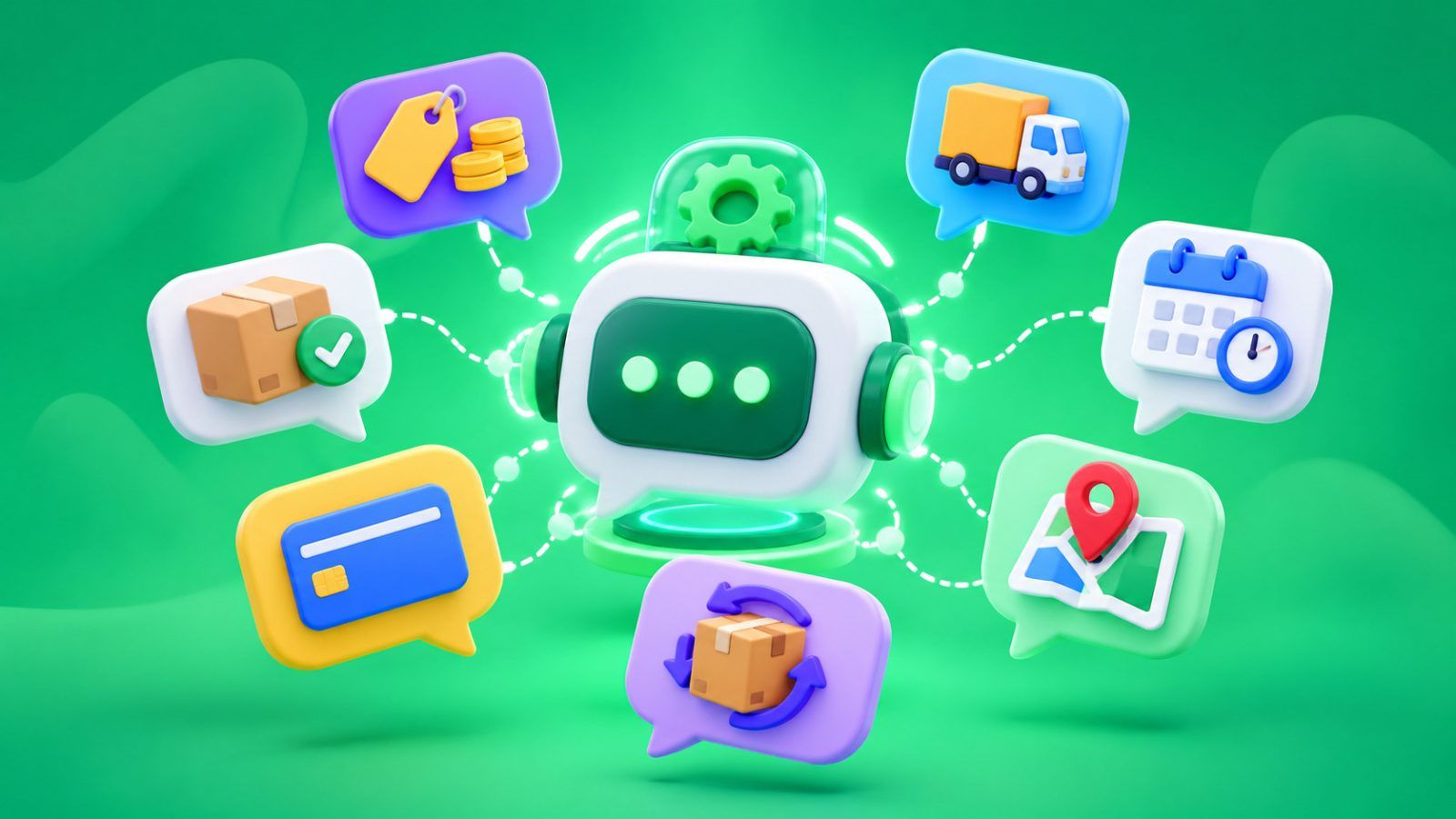
Later, the customer opens the Telegram bot and enters the order number. The bot receives the current status from the CRM. If the question requires a manager’s involvement, the inquiry is transferred to the responsible employee along with the order details.
Where Chaos Usually Appears
- The first mistake is duplicating messages. If the customer has already received the information in Viber, there is no need to repeat the same thing through SMS and Telegram without a reason.
- The second mistake is not sending the result back to the CRM. The bot accepted the inquiry, but it is not shown in the customer profile. For the manager, part of the history disappears.
- The third mistake is trying to automate everything at once. It is better to describe the main flows first and then add more complex chains.
How to Avoid Turning Automation Into Spam
Each flow needs a reason for the message, a primary channel, and a condition for switching to another channel.
The customer does not need to receive an order confirmation through SMS, Viber, and Telegram at the same time. One primary message is enough. The backup channel should be triggered only under a predefined condition.
The customer’s status also needs to be considered. If the order has already been paid, the payment reminder should stop automatically.
What to Check Before Launch
Before connecting channels, go through the customer journey manually: from inquiry to sale.
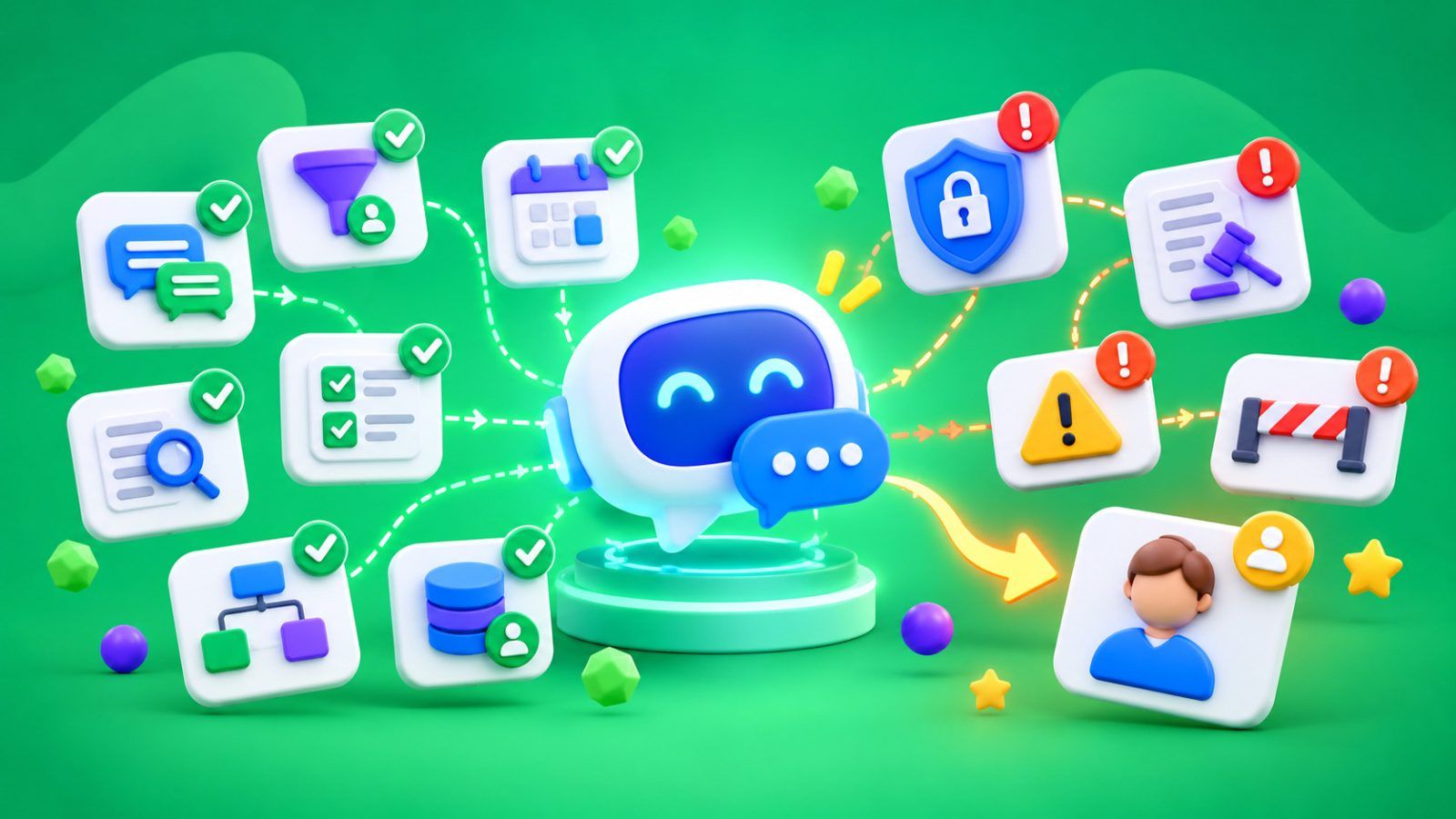
Check where the profile is created, what data is added to it, what triggers SMS or Viber, how the bot receives information from the CRM, and when the inquiry is transferred to a manager. Test error scenarios separately: an incorrect order number, a repeated inquiry, an undelivered message, and a status change.
SMS Club supports API-based workflows, ready-made integrations, and chatbot connections with CRM.
Well-built omnichannel communication is almost invisible to the customer. They receive the right information in the right channel and do not have to repeat the same thing to every manager. The company, in turn, sees a single contact history and manages one process instead of several separate channels.
FAQ
Do You Need to Connect SMS, Viber, and Telegram All at Once?
No. You should start with the channels needed for specific flows. Omnichannel communication is not about the number of connections. It is about making sure data does not get lost between channels.
What Role Does CRM Play in This System?
The CRM stores the customer profile, inquiry status, order, and activity history. This allows the manager to see the context regardless of where the customer wrote before.
Should Messages Be Duplicated Across All Channels?
No. For each event, it is better to define the primary channel and the conditions for using a backup channel. Sending the same text through SMS, Viber, and Telegram at the same time only increases the number of contacts.
Where Should Omnichannel Automation Start?
Describe the 3–5 most common customer journeys: inquiry, order, payment, status change, and support. Then define what data the CRM receives, which channel is triggered at each stage, and when a manager gets involved.