
How to Create a Telegram Bot for Business: A Step-by-Step Workflow Without Common Mistakes
Contents:
Contents:
Creating a Telegram bot is technically straightforward: register it through BotFather, get a token, and connect it to your code or a no-code builder. The harder part is making sure the bot actually helps the business instead of turning into a menu with a dozen buttons.
That is why you should start with the workflow, not the Telegram settings. First, decide what the bot is supposed to do: collect leads, show order status, book appointments, answer common questions, or hand conversations off to a manager.
Step 1. Define the Main Goal
The most common mistake is trying to put everything into the first version at once: a catalog, support, payments, campaigns, and a loyalty program.
It is better to start with one simple path:
/start → choose a service → clarify details → collect contact information → create a lead in the CRM → hand off to a manager.
Once this flow works without unnecessary steps, you can add more features. In its chatbot creation checklist, SMS Club also recommends defining the goal, audience, and workflow first, and only then moving on to development and testing.
Step 2. Create the Bot Through BotFather
The official way to register a Telegram bot is through BotFather. The /newbot command starts the setup process: you need to choose a name and a username. Telegram requires the username to contain only Latin letters, numbers, or underscores and to end in bot.
After registration, BotFather provides a token for accessing the Bot API. Treat it like a password. Telegram warns that anyone who gets the token can control the bot. Do not include it in public code, documents, or screenshots.
Step 3. Set Up the Profile
Before launch, add an avatar, a short description, and a clear explanation of what the bot can do.
You can also configure the command list through BotFather. Telegram shows these commands after a user types /, so keep only the ones you actually need—for example, /start, /order, and /support. For primary navigation, buttons and menus usually work better. Telegram supports both regular and inline keyboards.
Step 4. Build the Workflow
Start by mapping out the flow:
Start → “I want to order” → category → product → contact information → confirmation.
For each step, define what the customer sees, what information they enter, and what happens next. Also plan for invalid input, going back, and handing the conversation off to a manager.
The bot should never leave the customer at a dead end. Every main screen should have a clear next step.
Step 5. Send Leads to the CRM
If the bot collects a name, phone number, and order details but the information stays only in Telegram, managers will have to copy it manually.
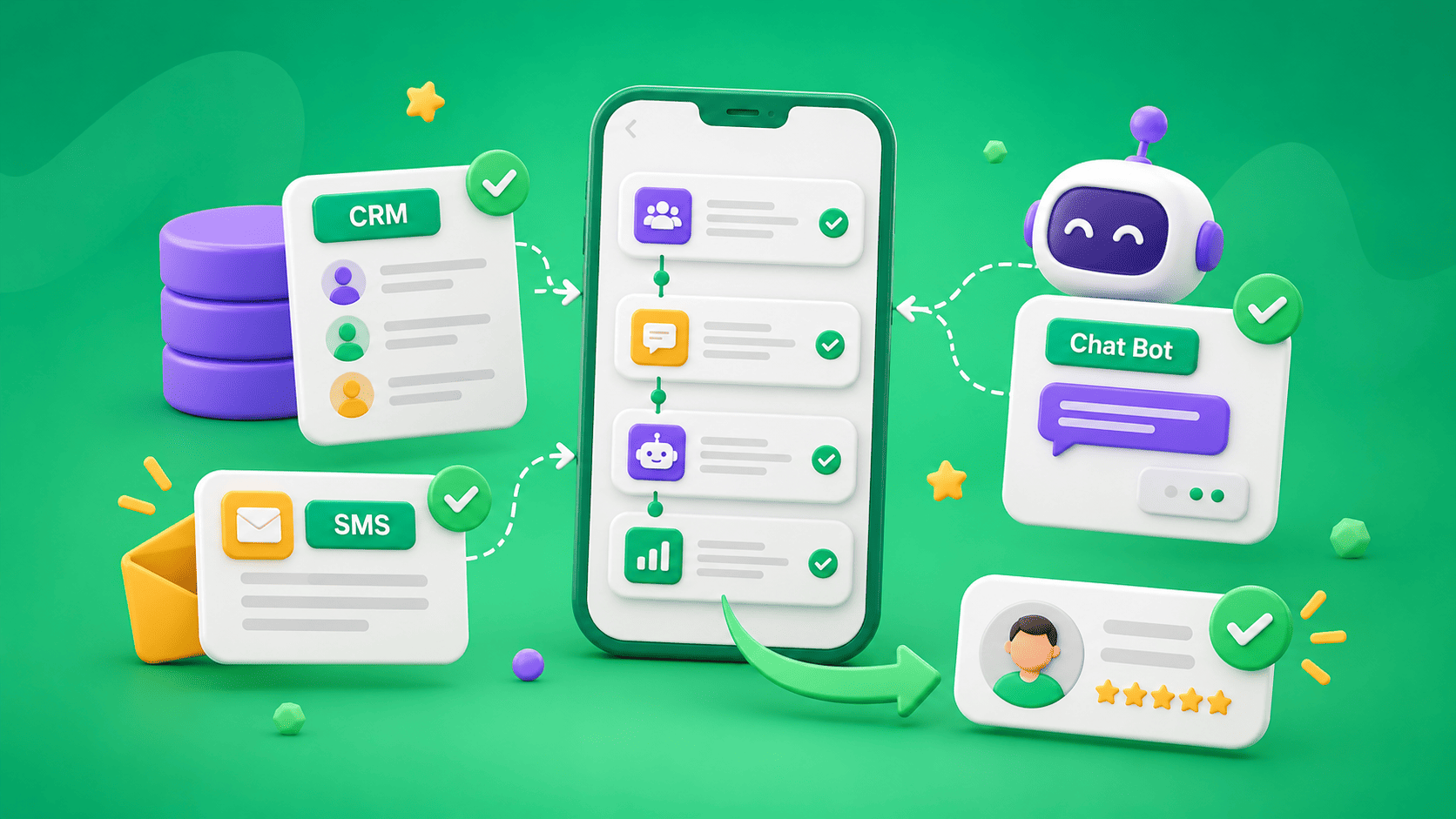
For sales workflows, it is better to send the data to the CRM. SMS Club supports integration between Telegram bots and CRM systems: the bot can send a new lead into the system and retrieve information such as order status.
The CRM record should include the lead source, contact details, selected service, and any context needed from the conversation. This gives the manager a complete lead instead of forcing them to start from scratch.
Step 6. Plan for Human Handoff
If the customer describes an unusual situation, asks for advice, or directly wants to speak with an employee, the bot should transfer the conversation.
The manager should receive all the information the bot has already collected along with the lead. Once an employee joins the conversation, automated replies in that chat should usually be paused.
This allows the bot to reduce routine workload without becoming a barrier between the customer and the business.
Step 7. Plan How Users Will Enter the Bot
A Telegram bot cannot initiate a private conversation first. The customer has to open the chat and start the bot. Keep this in mind when placing links, QR codes, or running ads.
Telegram supports deep links—links with a start parameter. These allow the bot to receive an additional parameter when the user launches it. For example, you can use different links for the website and advertising and pass the source into the CRM together with the lead.
Step 8. Test the Workflow Before Launch
Do not test the bot only by clicking the correct buttons. Type text instead of selecting an option, tap /start several times, enter an incorrect order number, go back, and ask for a manager.
Telegram recommends testing changes on a separate test bot created through BotFather. This prevents a new workflow from affecting real customers.
Common Mistakes to Avoid
The first is an overly long menu. If a customer has to go through six screens just to leave a phone number, the path should be shorter.
The second is missing CRM integration. The bot receives the lead, but the manager does not see it until they open Telegram.
The third is having no human handoff. The customer asks an unusual question and gets the same menu over and over again.
The fourth is storing the token in a public place. That is a security problem, not just a usability issue.
After launch, also monitor where customers leave the workflow, how many leads make it into the CRM, and which conversations are most often transferred to managers.
Creating a Telegram bot starts with a few actions in BotFather, but it becomes a useful business tool only after the workflow, integrations, and testing are in place. The shorter the path from the first message to the desired action, the easier the bot is for customers to use and for the team to manage.
Frequently Asked Questions
Do you need a developer to create a Telegram bot?
A no-code builder is enough for a simple workflow. If you need a custom database, CRM integration, advanced logic, or more complex features, custom development will be necessary.
Can a Telegram bot message a customer first?
No. In a private chat, the customer must first start the bot or send it a message. This Telegram rule should be taken into account when planning your communication flow.
Where should you store the Telegram bot token?
In a secure environment with restricted access. The token should not be published in documents, repositories, or screenshots because it provides access to control the bot.
What should you test before launch?
The main workflow, invalid input, repeated starts, going back, human handoff, and lead creation in the CRM. Also test changes in a separate test version before updating the production bot.