
Telegram Chatbot for Business: Scenarios That Actually Work

Contents:
Contents:
When an employer is looking for a new employee, they clearly define the requirements: what the future team member needs to know, be able to do, and handle. A chatbot is also a company employee—only instead of being hired, it is built from scratch.
The process begins with finding trusted specialists who can help bring your technical requirements to life. At the same time, the chatbot scenario starts taking shape. This is a document where every word, action, and even the smallest detail of the virtual assistant’s behavior is planned. A well-built scenario can not only automate part of your business processes but also generate revenue for the company. Here is what you need to know to write effective dialogue scenarios for Telegram.
Step One: Preparation
At this stage, the business answers two major questions: “Why do we need a chatbot?” and “What exactly should it do?” The most common goals are:
- Provide consultations. In other words, the chatbot gives users the information they need about products or services, helps them make a choice, and encourages them to buy;
- Process orders. This can range from collecting requests to sending shipping updates after payment. For offline businesses, such as fitness centers or beauty salons, appointment booking is also considered order processing;
- Build a lead database. This means collecting information about potential customers—age, gender, and needs. This is also where you can include “consent to receive advertising”;
- Provide technical support—this is often extremely important for electronics stores or service centers;
- Collect feedback about a product or service. This is not relevant for every business, but moving the “complaints and suggestions book” into a chatbot is definitely worth considering.
To learn more about which types of automated assistants exist today and which ones work best for different tasks and niches, read the article “Chatbots for Messengers: Which One Should You Choose for Your Business?”
Step Two: Define the Chatbot and the Audience
Some people think of a scenario as something like an improved version of “scripts”—ready-made manager responses to customer reactions during the buying process. Of course, scripts were the predecessors of chatbots. But that older tool had many weaknesses.
The main problem was that most scripts were not designed to make communication between a business and a customer easier. Instead, they were often built to push a purchase by any means necessary. Unlike scripts, dialogue-based Telegram chatbots are designed to:
- help users make a choice;
- provide clear answers to questions;
- guide a person through the entire funnel and accept payment;
- leave a positive impression after the conversation, even if the person postpones the purchase decision.
So from the very beginning, this is a much more flexible and effective tool — even without AI, improvisation, or the ability to read the customer’s mood. But to use all the capabilities of a chatbot, you need to bring it to life. To do that, you need detailed answers to two questions:
- What should it be like? It is worth taking the time to create a portrait of the bot: “If this consultant were a person, they would be…” After the ellipsis, describe the appearance, communication style, personality traits, and everything else that matters to you in a person responsible for communication.
These answers will not be used directly, but they will make it much easier to write the scenario texts. Even politeness can be “packaged” according to your brand archetype—for example, “friend,” “mentor,” “consultant,” “creator,” “rebel,” and so on.
- Who will it work with? When you clearly understand your target audience, you will also understand whether the chatbot should joke—not always, whether it can use slang, and whether it can address customers casually. This depends on the niche and the product.
You should also decide whether it is appropriate for the bot to show “human” reactions. Phrases like “I understand how hard it is to choose!” or “Excellent choice, you have great taste” may not make the user smile. They may irritate them instead, because this can feel like obvious manipulation.
Step Three: Build the Logic
At this stage, the dialogue structure is created. The easiest way to build the future conversation chain is to use supporting tools that create mind maps—a visual map of the imagined conversation between the customer and the bot. Whichever tool you use, you should describe in detail:
- the most common customer questions;
- the sequence of those questions;
- how buyers may react to the answers.
It may seem very simple: under each point, you just add either “yes” or “no” and move on. Congratulations: the result will be a classic failed dialogue, something like a conversation in a store between a visitor and a salesperson: “Can I help you?—No, thank you.”
The First Sign of a Quality Scenario
A good scenario uses specific and concise wording. So instead of the vague “Can I help you?”, it is better to immediately offer one of the available options: “Would you like to see the available colors?” or “Would you like to order a pizza with a free cola?”
At this stage, the most important thing is to think like your customer—especially the most demanding, principled, quiet, and selective one.
The Second Sign of a Quality Scenario
Another feature of a weak scenario is overestimating the patience of the person who visited your page. A good chatbot respects the customer’s time and can solve their issue in no more than three to five steps.
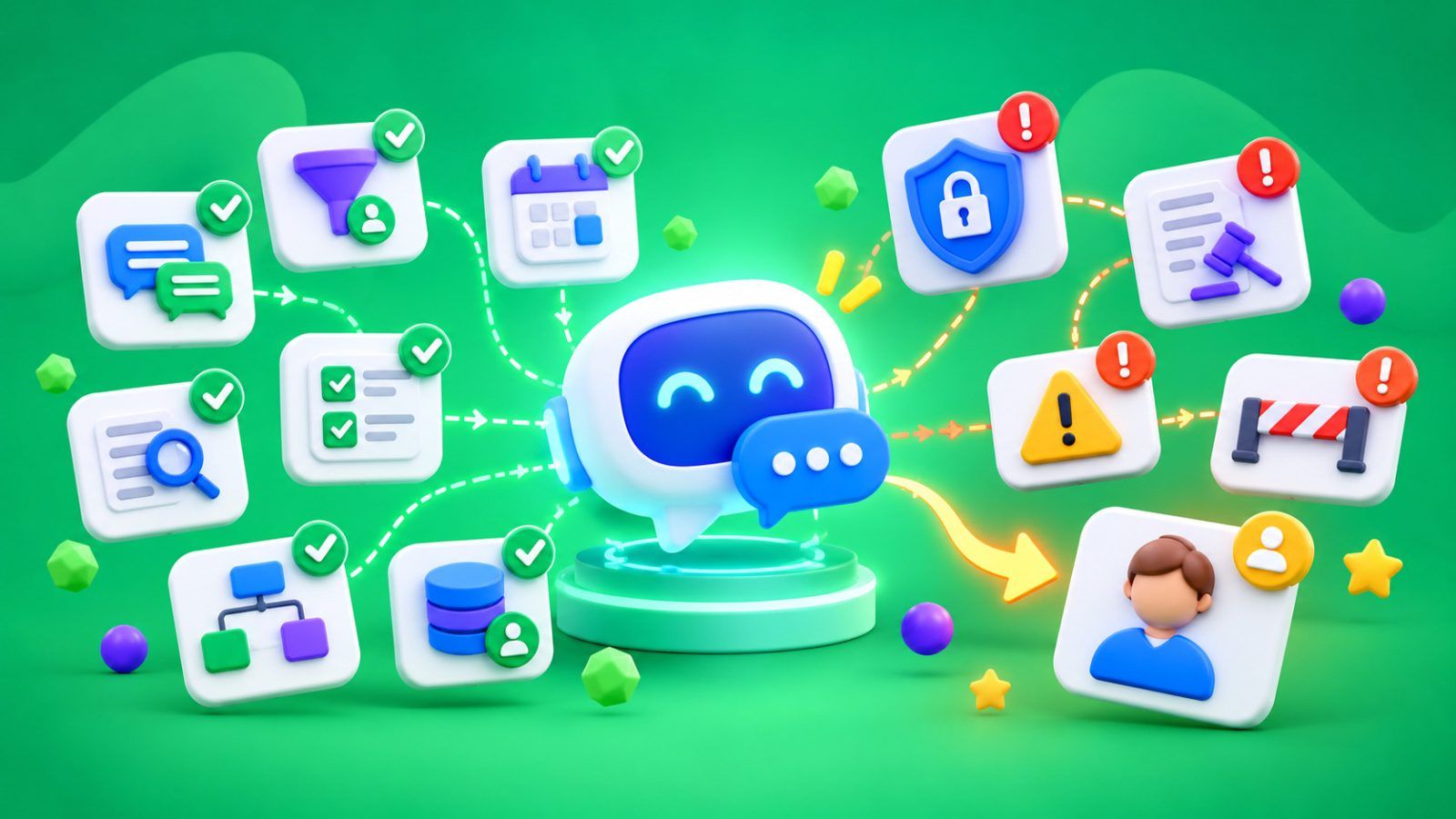
This means there should be no dead-end branches. In any unclear, sensitive, or complicated situation, a real manager—not a virtual one—should step in. And the chatbot should offer the option to connect with that person.
Example: A Sample Chatbot Scenario for a Yoga Club
Hi! I am the virtual assistant of the “Joy” yoga club.
Would you like to:
- Book a kundalini yoga session with your trainer Olesia;
- View the schedule of group classes with other trainers;
- See available memberships and programs;
- Ask another question.
After choosing “Book a session”:
Choose a day:
- Monday;
- Friday.
Choose a time:
- 10:00 AM;
- 6:00 PM.
Send payment: link.
We look forward to seeing you on Friday at 6:00 PM. Don’t forget your towel and a change of shoes.
Would you like us to send you a reminder two hours before the class?
- Yes;
- No.
After choosing “another question”:
- Click “call”;
- Choose when it would be convenient for us to contact you.
Instead of a Conclusion
Specialists identify many chatbot scenario models that work across different business niches. These models even have their own names. For example, “Time Cave” is when the bot first clarifies what the potential customer needs and then offers relevant products based on that request.
With SMS Club, you do not need to study the theory or choose a model yourself. All you need to do is contact the specialists, and in just two to three weeks, you will have a chatbot of any complexity at your disposal.
FAQ
How much does it cost to create a Telegram bot?
The minimum cost of creating a Telegram chatbot with SMS Club starts at approximately $202. The price includes the full range of services — from developing the bot’s strategy and vision to testing and two weeks of technical support.
What can a Telegram bot do?
A Telegram bot automates routine customer service tasks and responds to all inquiries 24/7, with no days off. The specifics depend on the business request: from sharing work hours and appointment schedules to supporting a full sales cycle.