
New Viber Business Rules: Transactional Messages Based on Templates
Contents:
Contents:
Starting July 1, 2026, transactional and OTP messages in Viber Business must use pre-approved templates. Companies that do not move their service messages to the new format will no longer be able to send them using the old setup.
This means you will not be able to write each service message from scratch every time. First, you need to prepare the message structure, submit it to Viber for review, and only after approval use it in campaigns.
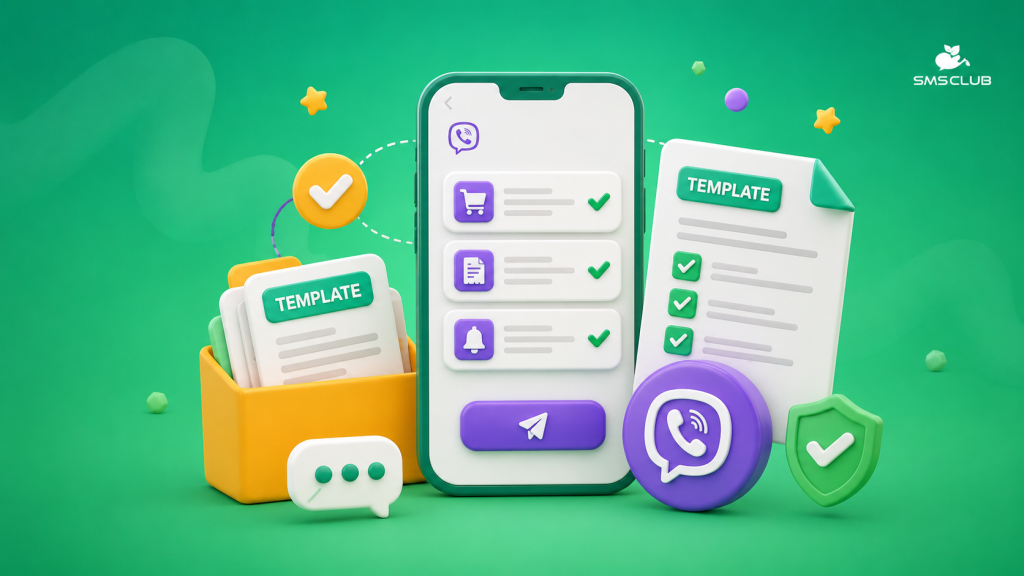
How the New Templates Work
A template consists of static text and variable fields. The static part stays the same for everyone, while the system fills in the variables with the required data: the customer’s name, order number, delivery date, amount, or verification code.
For example:
“Hello, {{first_name}}. Your order #{{number}} has been confirmed. Delivery date—{{date}}. Total amount—{{note1}}. Thank you for your order!”
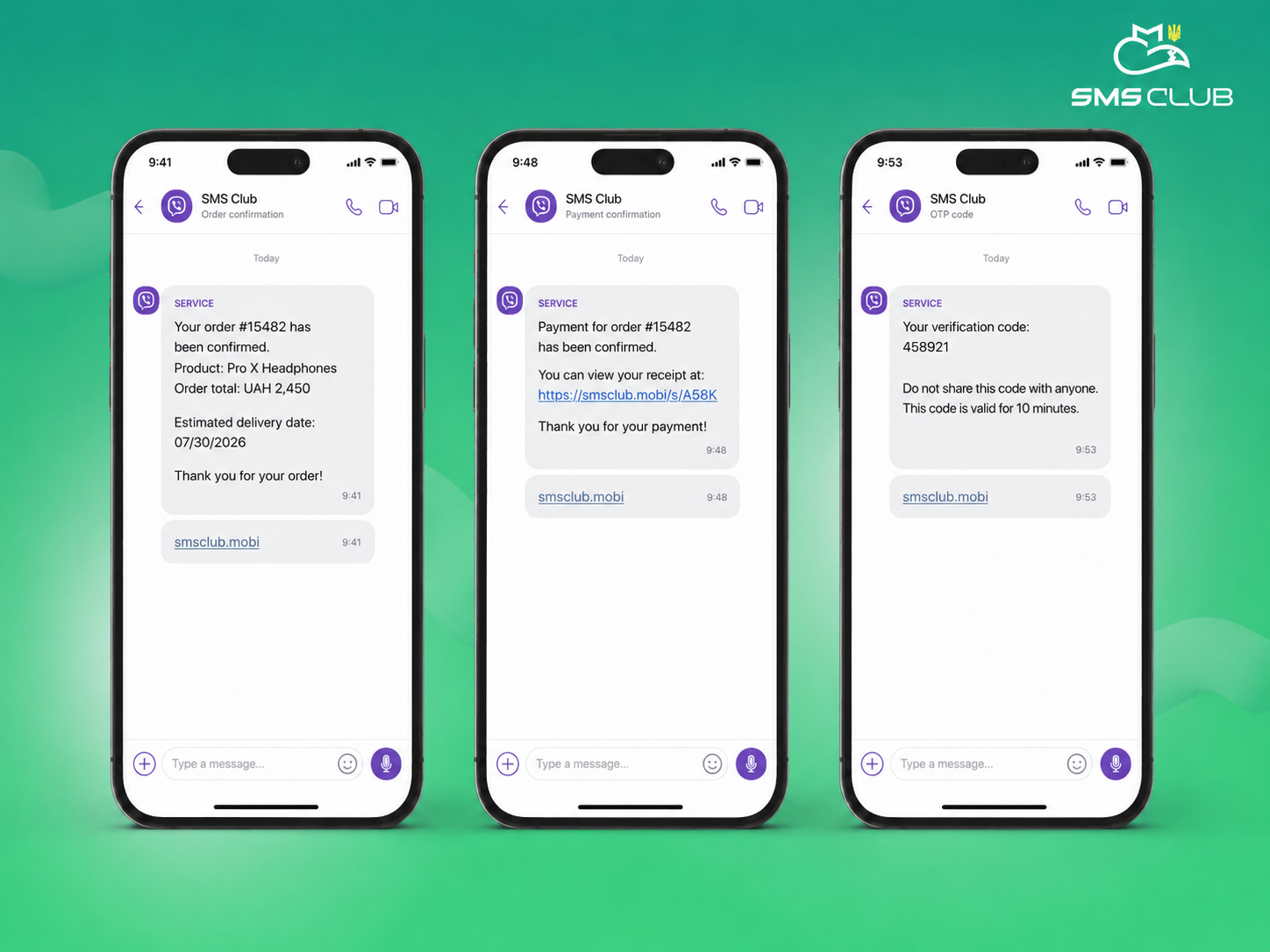
The new rules apply to order and payment confirmations, delivery updates, appointment or booking reminders, security notifications, and one-time codes.
Main requirements for variables
- the template can contain up to 850 characters;
- up to 5 variables are allowed in the template;
- the value of each variable can contain up to 125 characters.
What You Cannot Add
A transactional message must relate to a specific customer action: an order, payment, delivery, appointment, or booking.
For example, the phrase “Your order has been handed over to the carrier” follows the rules, while an offer to get a discount on the next purchase is already promotional content. If you add a promotion, product selection, advertising button, or call to buy something, the template may not be approved or may be moved to the promotional category.
That is why service and promotional messages should be kept separate.
How to Use Variables Correctly
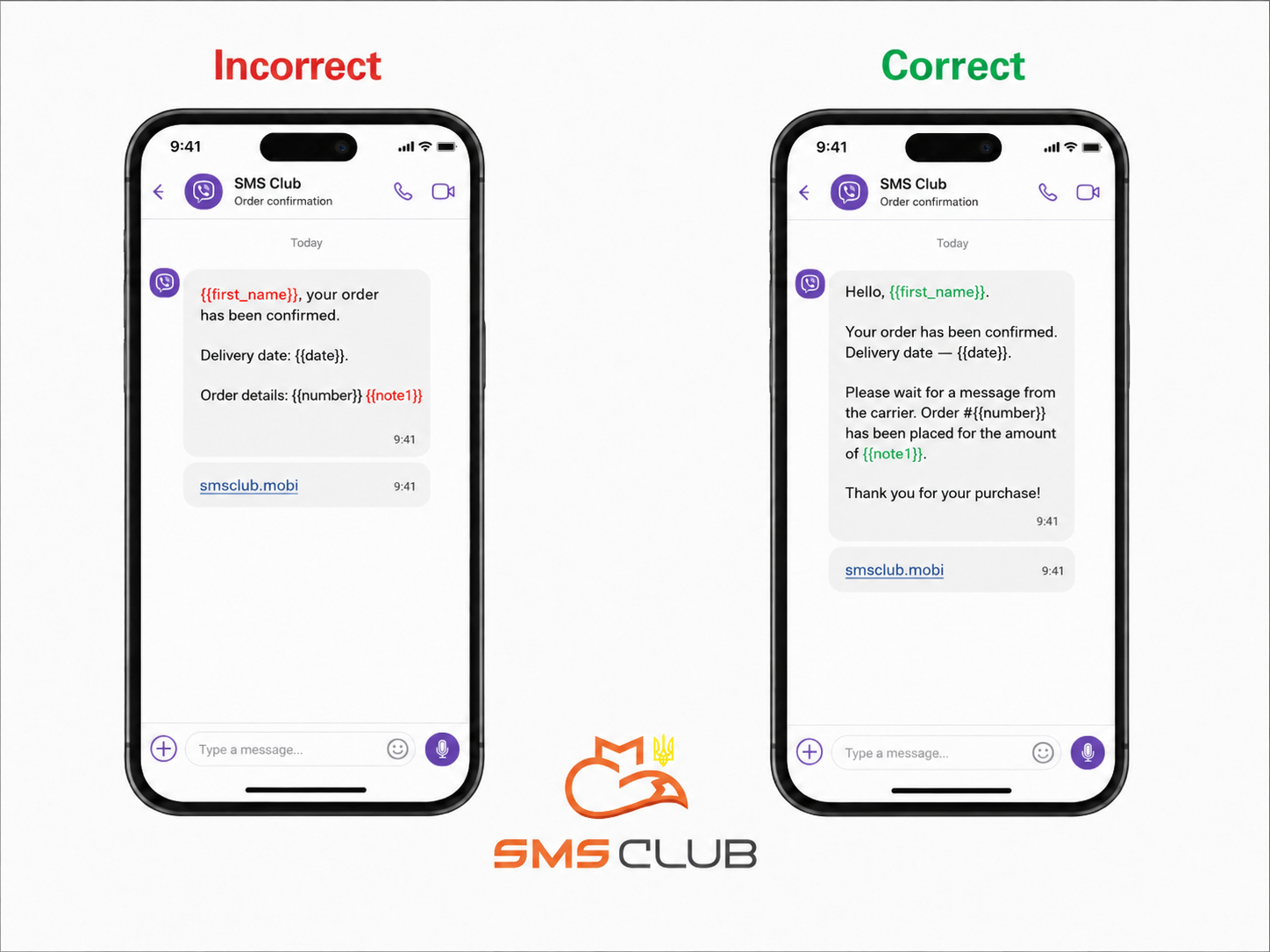
Viber checks not only the content, but also the structure of the template. A message should not start with a variable. Instead of “{{first_name}}, your order has been confirmed,” it is better to write: “Hello, {{first_name}}. Your order has been confirmed.”
It is also better not to end the text with a variable. After an order number, amount, or date, add punctuation or a short closing phrase.
Variables should be part of clear sentences. The entry “{{number}} {{note1}}” does not explain anything. But “Order #{{number}} has been placed for the amount of {{note1}}” reads clearly and immediately shows where the order number is and where the amount is.
You can use up to five variables in one template. The total length of the message, including the inserted data, must not exceed 850 characters. It is best to leave some extra room for long names, addresses, or service names.
Before and After Example
Incorrect version:
“{{first_name}}, your order has been confirmed.
Delivery date: {{date}}.
Order details: {{number}} {{note1}}”
Correct version:
“Hello, {{first_name}}.
Your order has been confirmed. Delivery date — {{date}}. Please wait for a message from the carrier. Order #{{number}} has been placed for the amount of {{note1}}.
Thank you for your purchase!”
In the second version, it is immediately clear where the date, order number, and amount are.
What a Company Needs to Do
- First, collect all messages the company sends to customers: confirmations, status updates, reminders, receipts, delivery notifications, and codes.
- Group them by scenario and remove duplicates. Do not create one universal template for every situation. It is better to prepare separate texts for payments, delivery, bookings, and confirmations.
- Before approval, test the templates with real data. A short name will not show how the text will look with a long company name, address, or booking number. Test different value lengths, line breaks, punctuation, and variable insertion.
After approval, the static part cannot be changed during sending. If the text needs to be updated, you need to create a new version and submit it for review again.
How SMS Club Can Help
With SMS Club, you can connect Viber Business Messages, set up transactional campaigns, and send messages through API. Our team can help review your texts, separate service and promotional messages, and prepare templates for approval.
The new requirements do not change the basic principle of sending messages, but they do require companies to think through the text in advance. If the template is written simply, contains only the necessary information, and uses variables correctly, the customer will receive a clear message and the company will avoid approval issues.
Starting September 1, 2026, SMS Club will accept new transactional message templates from clients and submit them to Viber for approval.
FAQ
Can transactional messages be sent without an approved template?
No. Starting July 1, 2026, transactional and OTP messages must be sent using templates that Viber has approved in advance. During sending, you can change only the predefined fields: name, order number, date, amount, or code.
Why might Viber reject a template?
The most common reason is promotional content inside a service message: discounts, special offers, product selections, or calls to buy something. It is also important that the message does not start or end with a variable and that all fields are included in clear sentences.
Can an approved message be personalized?
Yes, but only through variable fields. A ready template can automatically insert the customer’s name, order number, delivery date, amount, or one-time code. The static part cannot be changed after approval.
What should I do if the template text needs to be changed?
You need to create a new version of the template and submit it for review again. You cannot edit the approved text yourself during sending. Otherwise, the message may fail review or be assigned to a different category.