
When a Chatbot Should Hand a Customer Off to a Manager: How to Avoid Losing Leads During Automation
Contents:
Contents:
A chatbot is good at repetitive tasks: answering common questions, collecting contact information, showing order status, helping customers book an appointment, or guiding them to the right section. But when a bot tries to handle every conversation from start to finish, automation can start getting in the way of sales.
The customer has already explained the problem and typed, “I need a manager,” but the bot keeps showing the same standard buttons. At that point, the business risks losing the lead simply because there is no easy way to reach a human.
That is why human handoff should be built into the chatbot flow from the very beginning.
When the Bot Should Stop
The simplest rule is this: the bot should continue only as long as it understands the task and can complete the next step without making assumptions.
If a customer asks for an order status, the bot can pull it from the CRM and display the answer. If the customer needs to leave contact information, the bot collects the data and creates a lead. But when the request goes beyond the predefined flow, it is better to hand the conversation over to a manager.
This includes unusual problems, complex consultations, complaints, requests to change order terms, or a direct request such as “I want to speak to a manager.”
SMS Club supports workflows where managers can access the conversation history and the chatbot integrates with the CRM to transfer leads and customer data.
Do Not Make Customers Ask Twice
If the bot includes a “Contact a Manager” button, the customer should not get another list of questions after clicking it.
The bot should ask only for information the manager actually needs to start working: the order number, reason for contacting support, or contact details. After that, the customer should receive a clear message confirming that the request has been transferred, who will respond, and when to expect a reply.
Transfer More Than Just the Chat
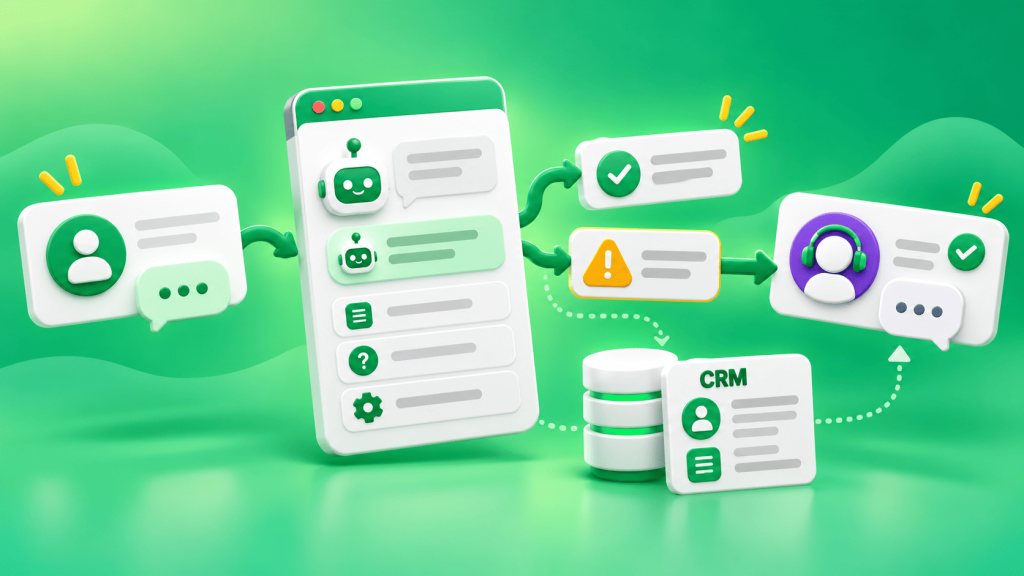
Seeing only the customer’s last message is not enough for the manager. The full context should be transferred with the conversation: contact information, order number, selected service, previous answers, reason for the handoff, and message history.
That is exactly why chatbot-to-CRM integration matters. SMS Club supports adding a new lead from a chatbot to the CRM and pulling CRM data back into the bot.
This means the customer does not have to explain who they are and what they need all over again.
Set Handoff Triggers
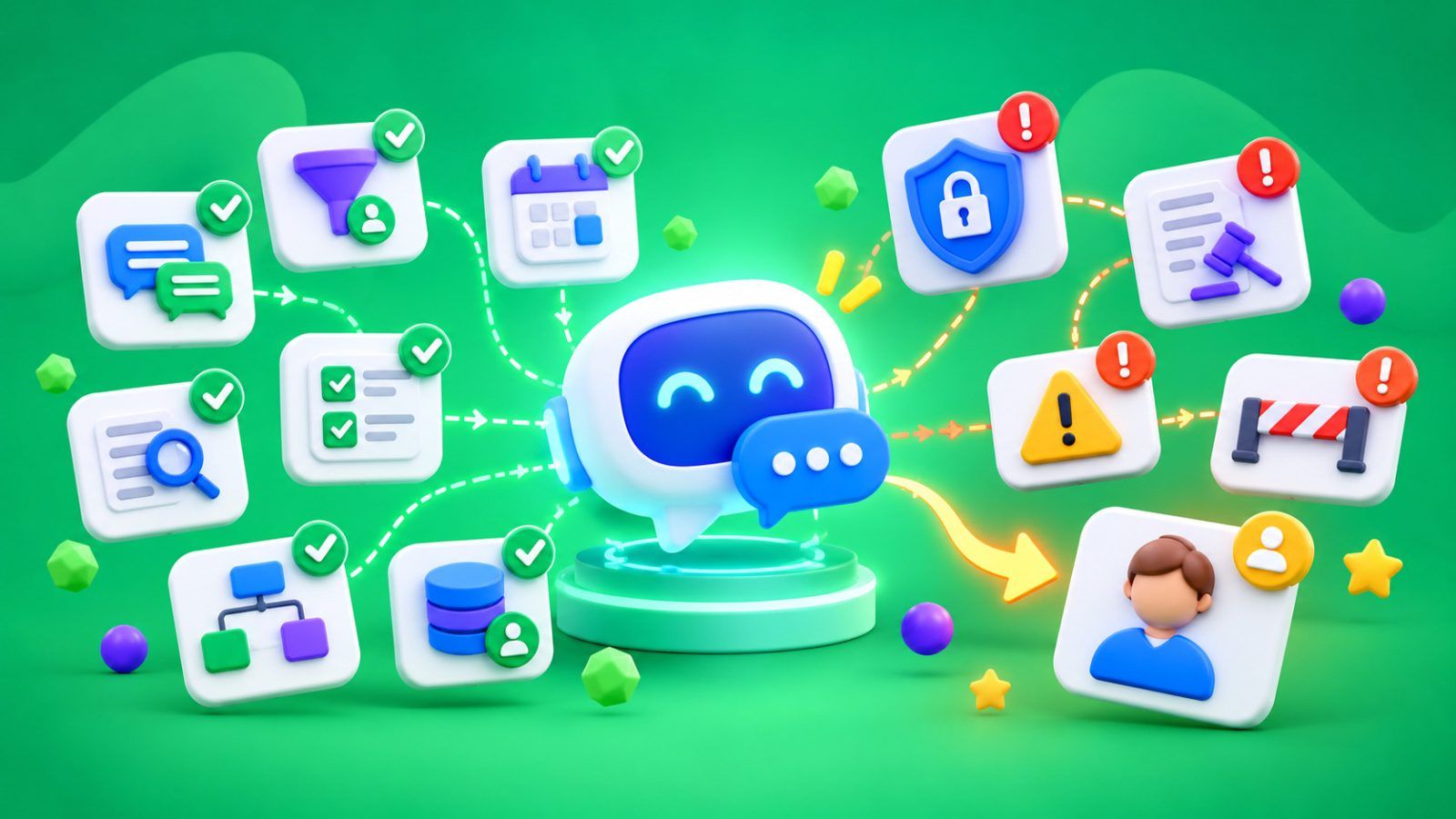
Some conditions should be defined in advance. A handoff to a manager can be triggered when the customer directly requests a human, the bot fails to understand the request twice, there is no suitable answer in the flow, the customer selects a complaint or return, or individual approval is required.
AI-powered bots also need clear boundaries. If there is not enough information or the answer requires a business decision, the bot should not invent terms or policies. It should collect the context and transfer the request.
Viber allows user messages to be received through a webhook and passed into an internal system. This provides the technical foundation for a workflow where the bot handles the message first and then transfers it to the CRM or manager interface.
What to Do Outside Business Hours
A handoff does not mean an employee has to respond 24/7.
If a customer contacts the company in the evening, the bot can collect the necessary information, create a lead, and provide a realistic response time: “We’ve sent your request to a manager. They will respond tomorrow after 9:00 AM.”
The request should receive a status and assigned owner in the CRM so it does not get lost when the next business day starts.
Do Not Let the Bot Talk Over the Manager
Once a human employee joins the conversation, automated replies should be paused. Otherwise, the manager may ask a follow-up question while the bot continues sending menus or standard responses in between.
The automated flow can resume after the conversation is finished or after the lead status changes.
How to Test the Workflow
When testing, do not follow only the ideal path through the buttons. Ask questions in your own words, enter an incorrect number, reject a suggested option, and request a manager.
Check what the employee receives after the handoff and whether the full history is saved in the CRM. Also track the number of transferred conversations, reasons for handoff, time to response, and the percentage of conversations that result in a lead or sale.
If the same handoff reason keeps appearing, the bot flow should probably be improved.
The main job of a chatbot is to resolve common questions quickly and recognize when a human is needed. Done correctly, automation reduces the team’s workload instead of creating another barrier between the customer and the business.
Frequently Asked Questions
When should a chatbot hand a conversation over to a manager?
When the customer directly asks for a human, the bot cannot understand the request, an individual decision is required, or the issue falls outside the predefined flow. Continuing the automated conversation only delays the response.
What information should be transferred to the manager?
Send the customer’s contact information, reason for contacting the company, order number, previously collected answers, and conversation history. The manager should start by solving the issue—not by asking the customer to repeat information already provided to the bot.
What if the managers are no longer working?
The bot should collect the necessary information, create a lead, and provide a realistic response time. The request should be assigned to a responsible person in the CRM so it is picked up on the next business day.
Should the bot be disabled after a manager joins?
It is better to pause automated responses for that conversation. Otherwise, the bot and manager may respond at the same time. The automated flow can resume once the employee has finished handling the request.